
Seedream 5.0 Flash: Make Visual Decisions Sooner
Seedream 5.0 Flash AI Image Generator for concept reviews, reference-guided edits, and design handoff
Take a brief into a visual review. Draft a direction, test it against references, and bring the selected image into the next design pass.

Seedream 5.0 Flash
Move a brief through visual review: create from text, refine with up to 10 references, or split a selected image into layers. Each Flash task costs 5 credits.
Choose Model
Workflow
0/5000 characters
Batch mode
Sign in to use batch and repeat generation.
Image Results

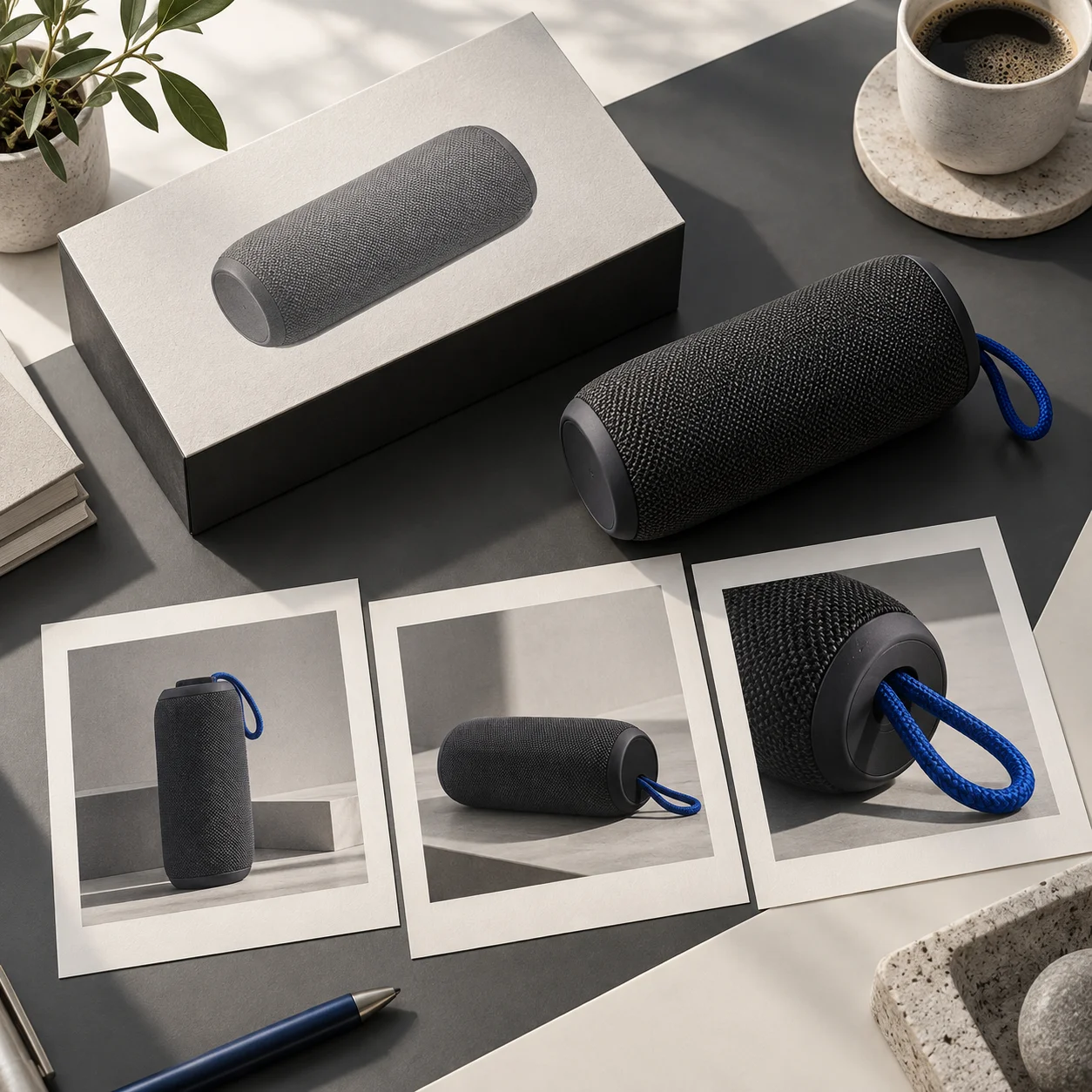
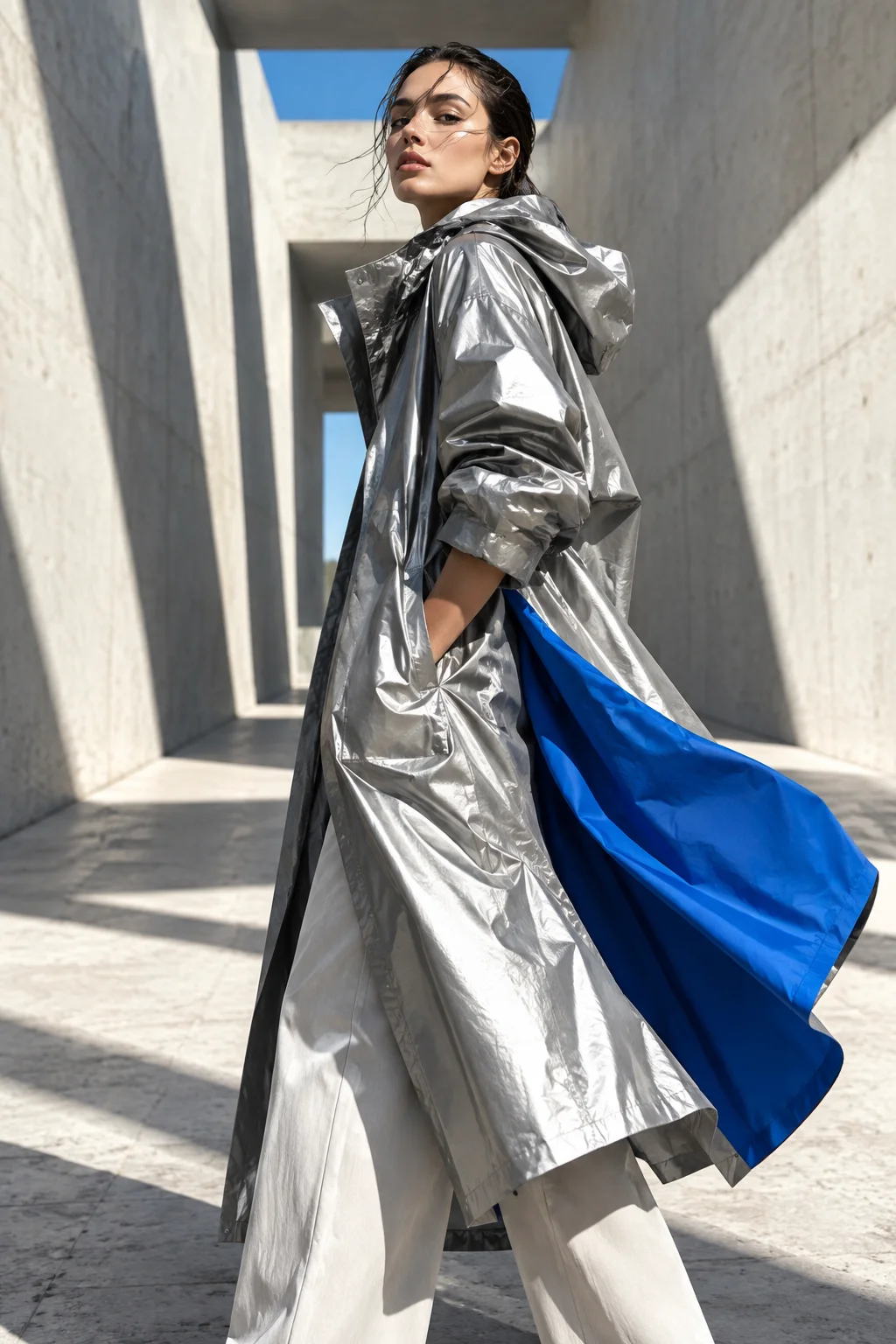
Visual directions for the review board
These editorial examples illustrate distinct ways to frame product, lifestyle, and campaign briefs.


What is Seedream 5.0 Flash?
Seedream 5.0 Flash offers three image tasks in one workspace: create from text, edit with visual references, or split one source image into layers. The first two modes support 1K and 2K output.
Fast campaign drafts
Build a first visual set from the campaign brief before final layout work begins.
Reference-guided style
Use references to keep the next edit aligned with product shape, styling, and composition.
Editable image layers
Separate a selected visual into parts that can move into the next design pass.
Clear prompt control
Frame a task around one audience, placement, and message so reviewers can judge the result.
More options per brief
Compare compositions against the same brief before choosing a lead direction.
Ready for content teams
Prepare draft visuals for recurring requests without reopening each project from zero.
A design review workflow for Flash
Treat each task as a step toward a clear creative decision.
Name the asset
Define the placement and what the image must communicate to its audience.
Add visual direction
Give concrete scene details and the references that matter to the review.
Generate variations
Create a small set of options around one concept so differences are easy to discuss.
Refine the winner
Move the chosen image into the editing or handoff process.
Where Flash supports the design cycle
Use visual drafts to align a team before finished production begins.

Social ads and posts
Compare campaign framing and crop before preparing the final ad placements.
Ecommerce visuals
Review settings and product treatments before committing to a store layout.
Content covers
Find a visual language for the story before final typography and sizing.
Team brainstorming
Put several concrete options in front of the team to make feedback specific.
Flash task details
Check the practical limits before starting a task.
Seedream 5.0 Flash FAQ
Yes. Choose text-to-image and describe the image you want; references are optional for that mode.
Yes. Reference images help guide style, composition, product cues, and visual consistency when a prompt alone is not enough.
Include the subject, audience, channel, format, style, mood, key details, and the action you want the image to support.
Yes. Choose Layer Decomposition, upload one image, and optionally describe the parts to separate.
Yes. Choose image-to-image and add up to 10 reference images to guide the edit.
Text-to-image, image-to-image, and layer decomposition each cost 5 credits per task.
Review your next idea with Seedream 5.0 Flash
Bring a brief into the generator and make your first draft.