
Seedream 5.0 Lite & Pro AI Image Generator
Seedream 5.0 AI Image Generator · Lite and Pro live
Generate and edit images with Seedream 5.0 Lite, then compare it with the Seedream 5.0 Pro capabilities announced around Volcengine FORCE 2026. Built for marketing visuals, product images, trend graphics, and SEO-ready creative workflows.
Seedream 5.0 Lite AI Image Generator
Seedream 5.0 Lite supports text-to-image and image-to-image generation in this Seedream 5.0 workspace.
0/20000 characters
Batch mode
Sign in to use batch and repeat generation.
Image Results


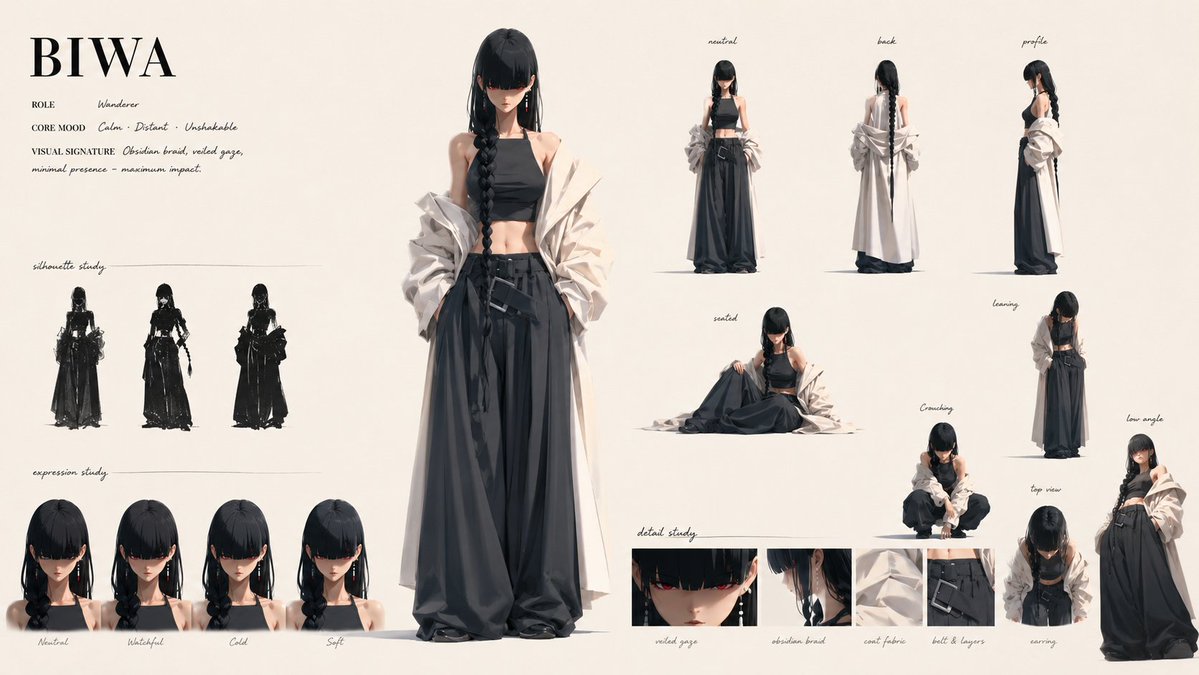
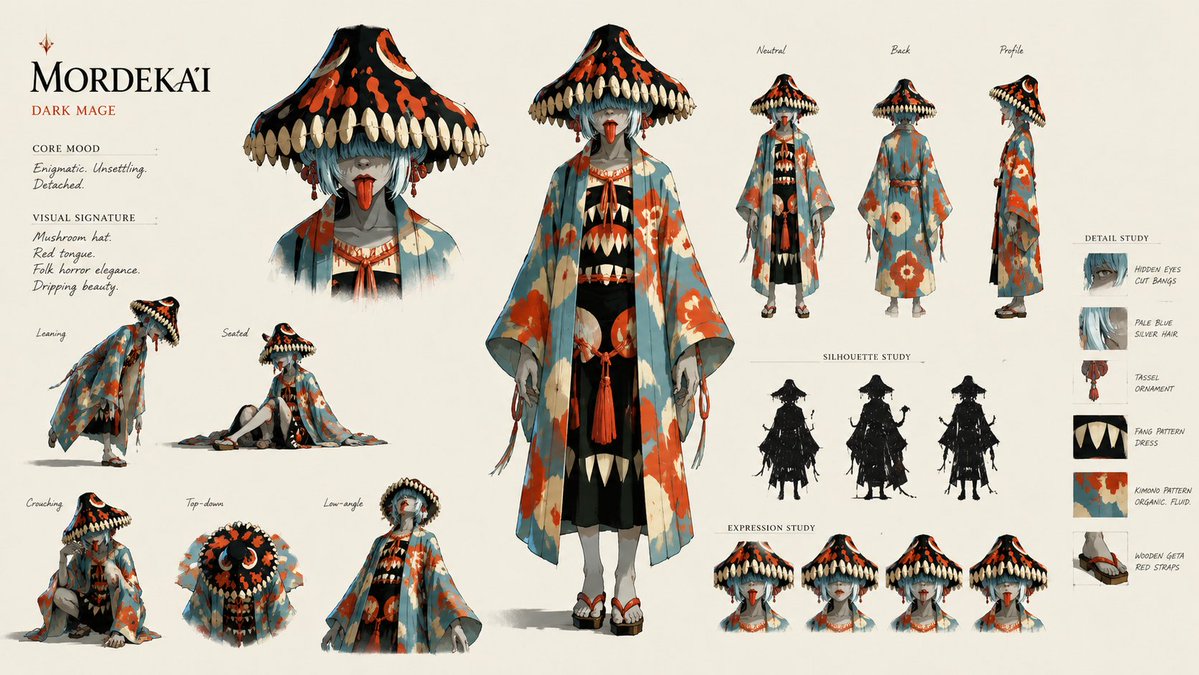
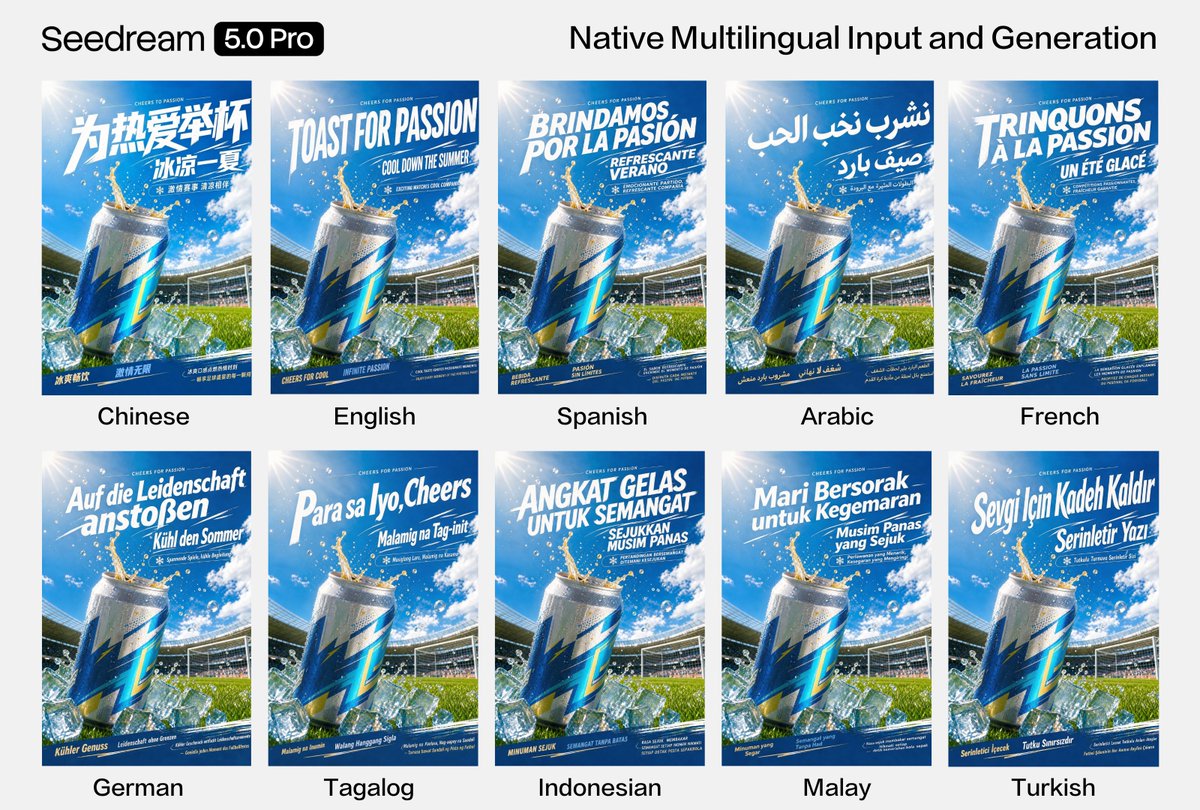
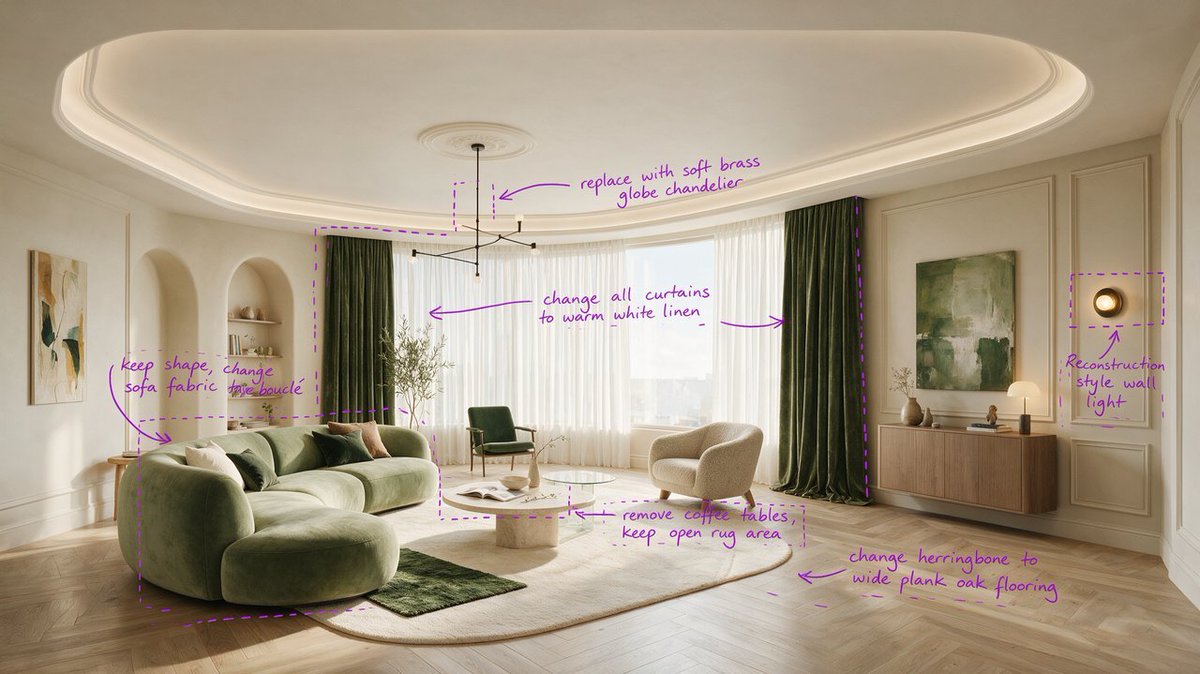
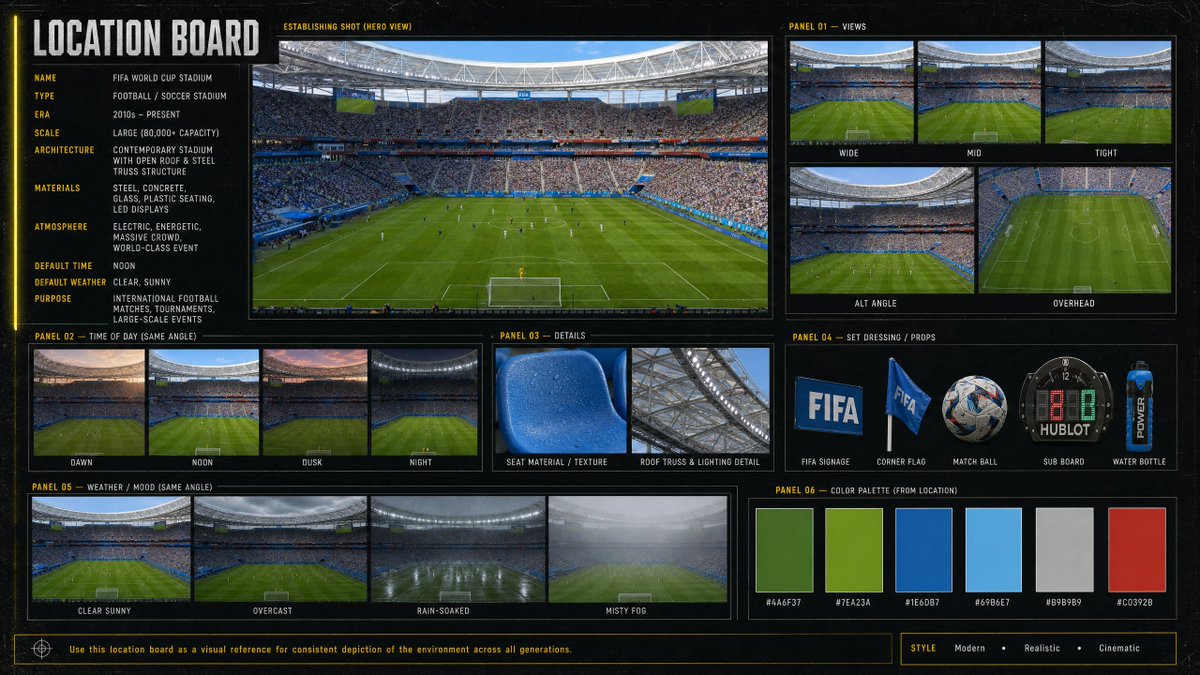
Seedream 5.0 Pro image examples
Explore curated Seedream 5.0 Pro image examples across portraits, product visuals, posters, editing workflows, and illustration styles.
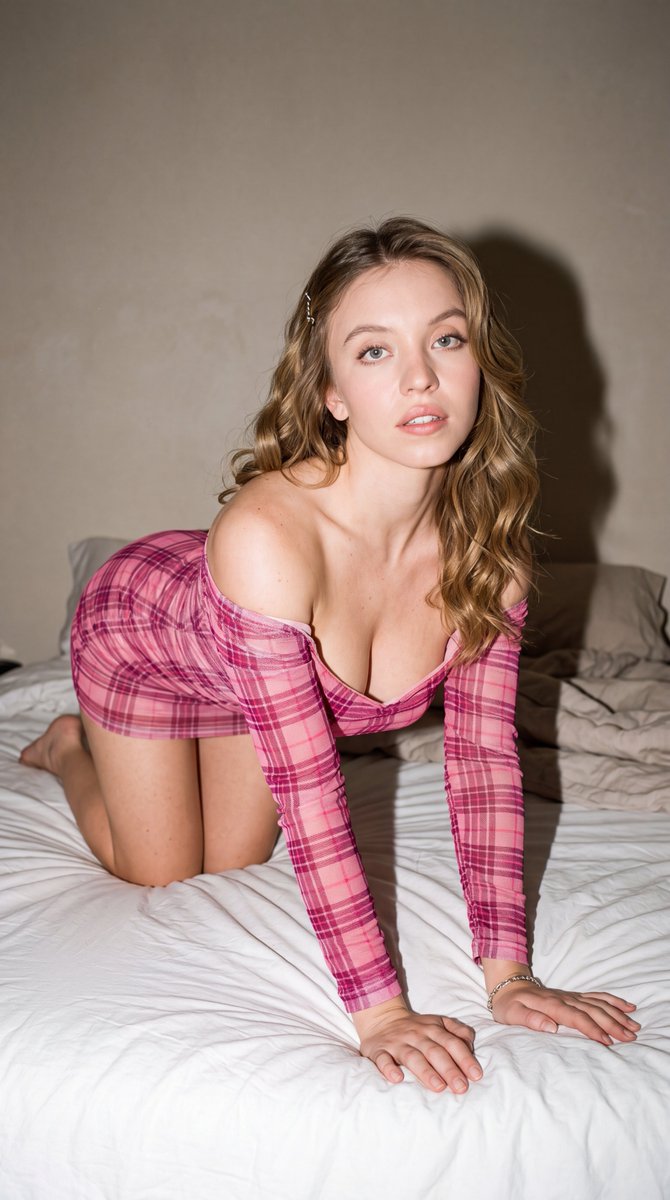
FORCE 2026 update for Seedream 5.0
Volcengine's FORCE 2026 agenda highlights new Doubao model updates, while ByteDance Seed positions Seedream 5.0 Lite as a multimodal image model with deeper reasoning and online information awareness. Both Lite and Pro are available here, with Pro supporting text-to-image and image-to-image through selectable routes.
What is Seedream 5.0 Lite?
Seedream 5.0 Lite is a unified multimodal image generation model for text-to-image and image-to-image workflows. It is designed for precise prompt following, controllable layout, style consistency, and fast visual iteration.
Use this page when you want a practical Seedream 5.0 Lite generator, a clear Seedream 5.0 Lite API overview, and a conversion-focused comparison against Seedream 5.0 Pro.

Seedream 5.0 Lite Capabilities
Choose Lite for fast image work or Pro for higher-control text-to-image and image-to-image generation.
Prompt-to-image creation
Turn campaign ideas, product scenes, visual concepts, and creative briefs into polished images.
Online-aware visual ideas
Use Seedream 5.0 Lite for topical creative directions where fresh context and concise prompts matter.
Flexible aspect ratios
Generate square, portrait, landscape, vertical, and ultra-wide images for ads, posts, thumbnails, and landing pages.
Reference-guided editing
Upload up to 14 reference images for image-to-image edits, variations, and brand-consistent visual production.
Seedream 5.0 Lite vs Seedream 5.0 Pro
Both models are available. Pro defaults to Line 1 and can be switched to Line 2 inside the generator.
Pro supports text-to-image and image-to-image, while route labels keep upstream provider names private.
Best Seedream 5.0 Use Cases
Target high-intent creative work where quality, speed, and conversion copy matter.
Ad creatives and landing visuals
Create first-screen images, campaign concepts, social ads, and A/B test visuals around one product promise.
E-commerce product images
Generate product scenes, lifestyle shots, packaging ideas, and reference-guided refreshes for listings.
Trend and news graphics
Turn current topics into shareable visual explainers, banners, and editorial thumbnails.
Sketch-to-design exploration
Use Lite for fast drafts and Pro for richer, higher-control designer workflows.
How to Use Seedream 5.0 Lite
Create a finished image in a focused four-step workflow.
Write the prompt
Describe the subject, layout, style, text needs, and intended channel.
Add references
Switch to image-to-image when you need product, character, or brand consistency.
Choose ratio and quality
Pick the aspect ratio, then use 2K for fast drafts or 3K for higher-quality output.
Generate and iterate
Review the result, reuse the prompt, and refine for the next campaign or asset.
Seedream 5.0 Pro is live
The generator now exposes Pro text-to-image and image-to-image workflows. Line 1 is the default route, Line 2 remains selectable, and route-specific controls update automatically.
Seedream 5.0 FAQ
Yes. This page locks the generator to Seedream 5.0 Lite for text-to-image and image-to-image workflows.
Yes. Select Seedream 5.0 Pro in the generator for text-to-image or image-to-image, then use Line 1 by default or switch to Line 2.
Lite is the available generation workflow for fast images and edits. Pro is positioned for more advanced precise editing, layer separation, dense information graphics, and multilingual text generation.
Yes. The image-to-image mode accepts uploaded references and sends them to the Seedream 5.0 Lite image-to-image endpoint.
The generator exposes 2K basic output and 3K high quality output.
You can use it for marketing and product visual workflows, but final rights and compliance depend on your account terms, source assets, and local regulations.
No. The page uses internal credits for generation and avoids quoting external prices unless an official provider page is verified.
Create with Seedream 5.0 Pro
Use Pro now for text-to-image and image-to-image generation with two selectable routes.