
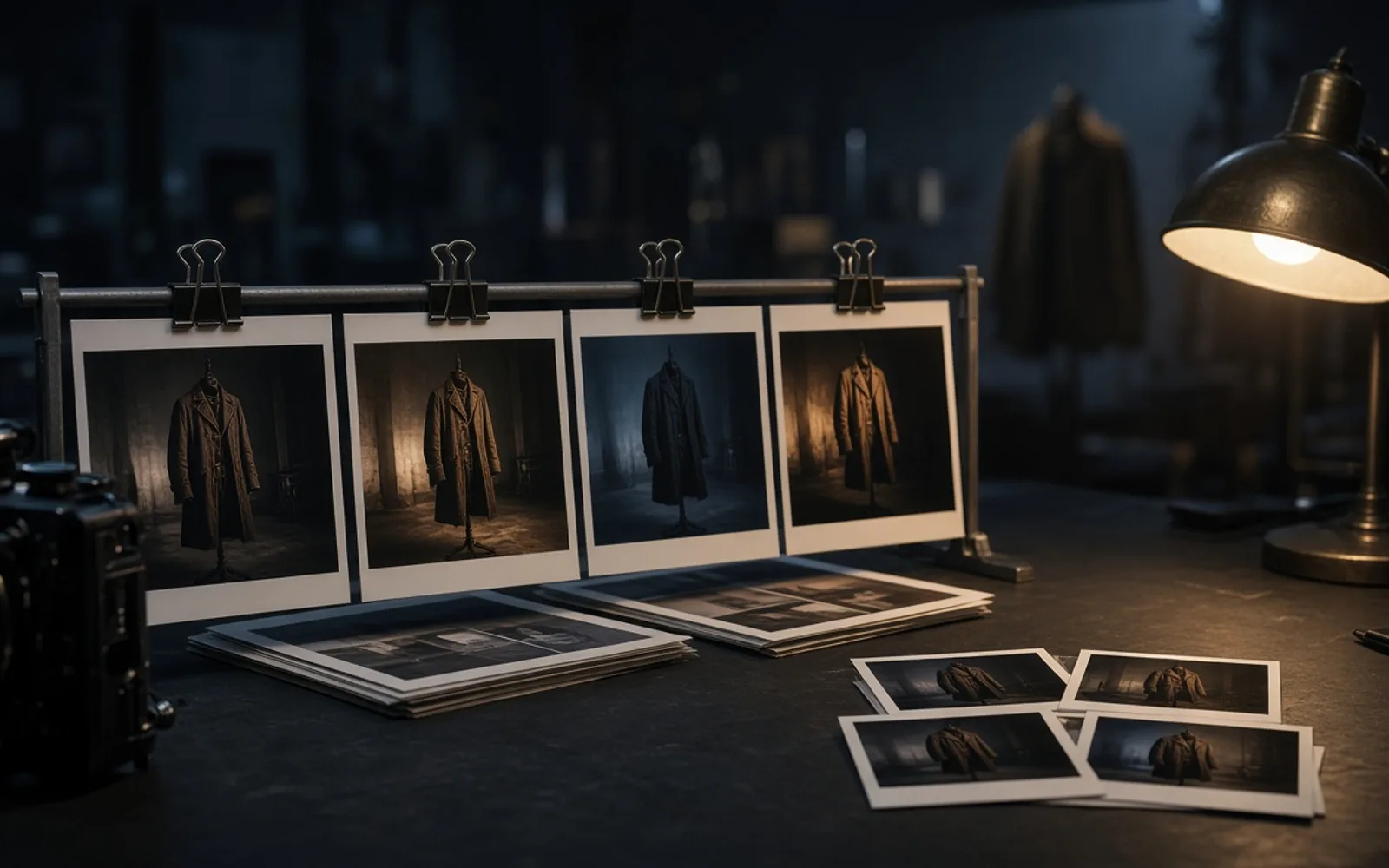
GPT Image 2.5 for production stills
Create production stills from a prompt or reference images with GPT Image 2.5 Flare or Sunburst. Choose 1K, 2K, or 4K and automatic, opaque, or transparent backgrounds.
GPT Image 2.5 Image Generator
Create production stills from a prompt or reference images with GPT Image 2.5 Flare or Sunburst. Choose 1K, 2K, or 4K and automatic, opaque, or transparent backgrounds.
Choose Model
27:16, 16:27, 9:8, and 8:9 are available only at 1K. Higher resolutions show compatible ratios.
Both versions use 5 credits at 1K, 10 at 2K, or 16 at 4K per image. Repeats and batch items multiply the total.
Workflow
0/20000 characters
Batch mode
Sign in to use batch and repeat generation.
Generated images
What a stills-to-motion desk should keep
- Lock the talent or prop from a reference still before you ask GPT Image 2.5 for a lighting or wardrobe tweak.
- Both versions use 5 credits at 1K, 10 at 2K, or 16 at 4K per image. Repeats and batch items multiply the total.
- Use 1 to 16 JPG, JPEG, PNG, or WebP reference images, up to 30 MB each.
- 27:16, 16:27, 9:8, and 8:9 are available only at 1K. Higher resolutions show compatible ratios.
Where GPT Image 2.5 sits in a Seedream 4.5 stills chain
GPT Image 2.5 is a still-image workspace for production planning. Start from text or references, select Flare or Sunburst, and review each frame before using it in a look book, title sequence, or motion workflow.
Who this page is for
Production teams can review talent, wardrobe, and locations as stills. Download an approved frame, then upload it as a keyframe in Wan 3.0 to plan its motion.
Stills habits that survive a motion handoff
Each point is a production stills job, not a generic image feature list.
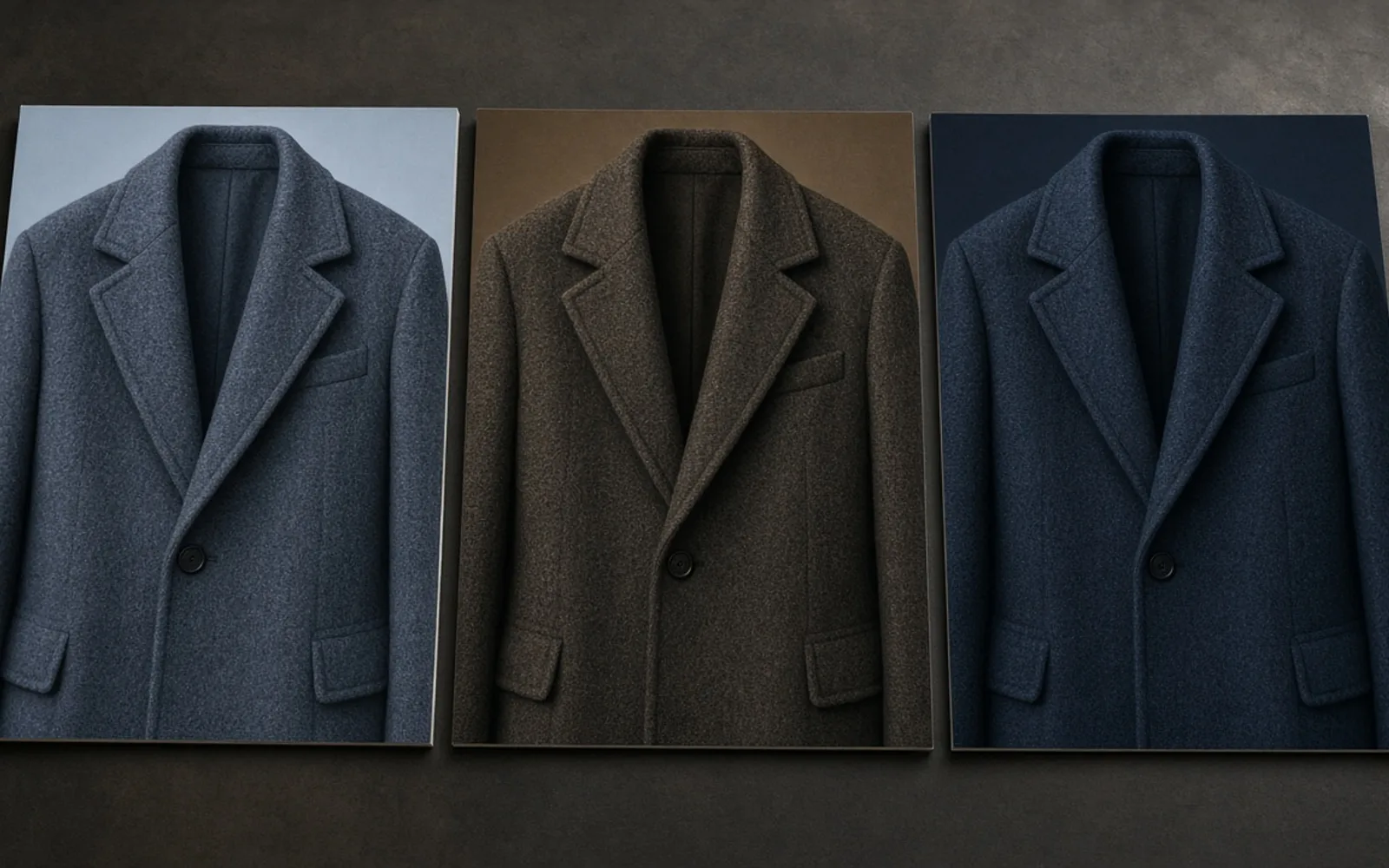
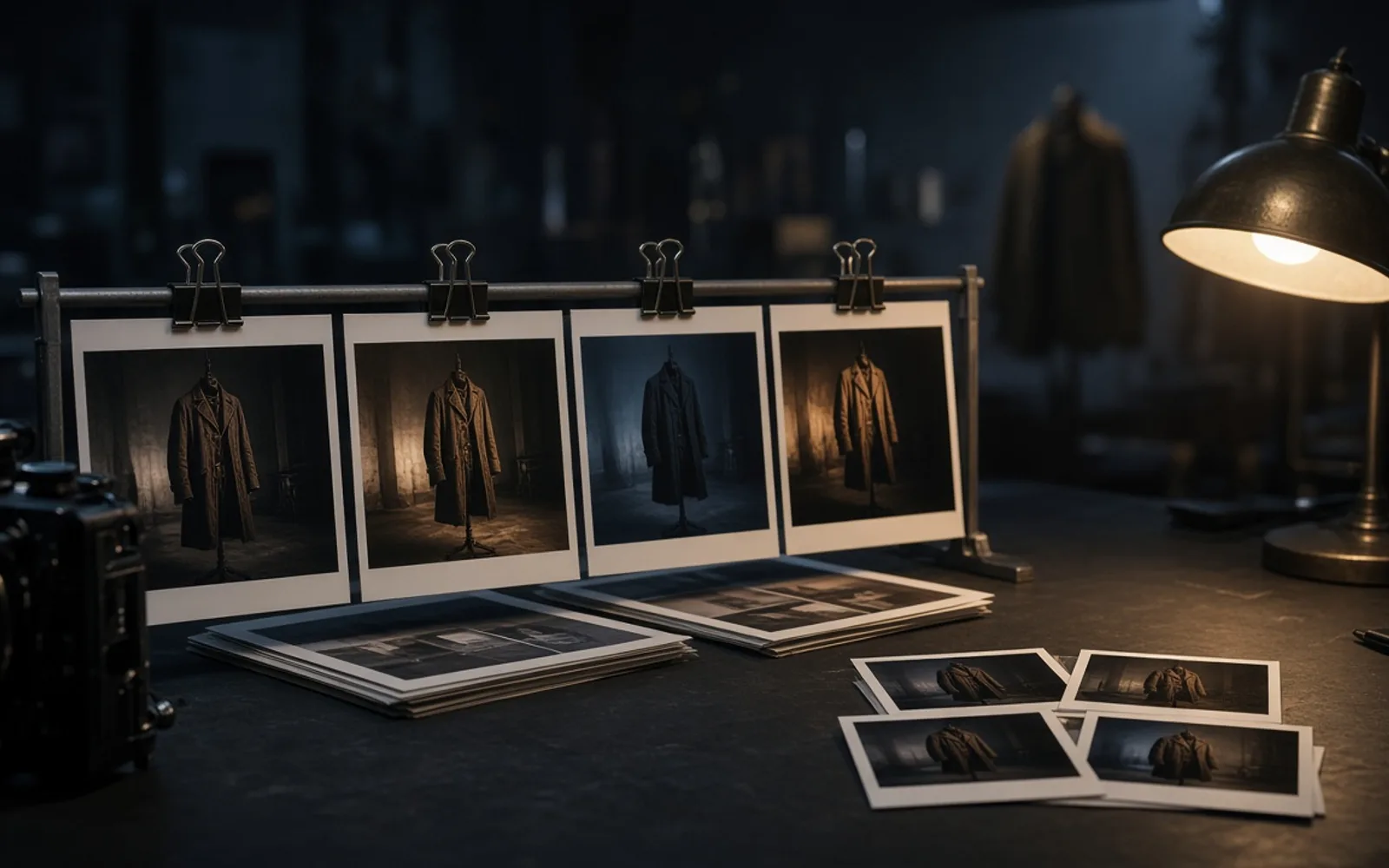
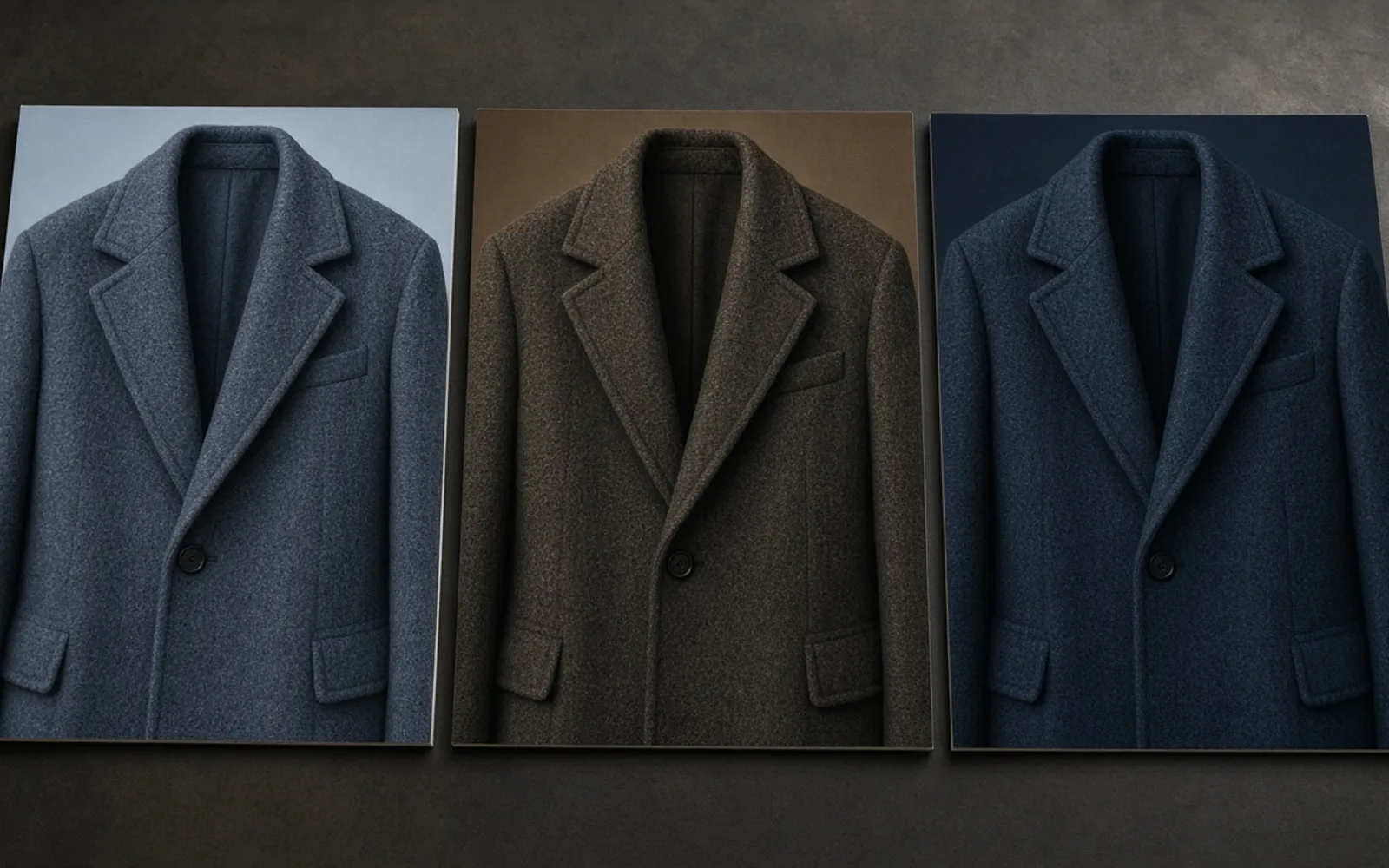
Hold the person in the coat
Use a reference still of the performer, wardrobe, or hero prop as the starting point for a new image-to-image task.
Light the frame, keep the blocking
Describe a change to the key, fill, or practical lights in the prompt, then compare the new frame with the reference.
Review one note at a time
Upload the latest result for the next lighting or prop note. Each revision is a separate generation task.
Build transparent title plates
Choose a transparent background for title cards and overlay plates, then check the edges before compositing.
Compare two stills versions
Try Flare and Sunburst with the same prompt, references, and resolution to select a frame for the production desk.
Flare / Sunburst
Both versions share these controls and credit prices, so a stills comparison can keep the same output settings.
| Model version | Flare | Sunburst |
|---|---|---|
| Resolution | 1K / 2K / 4K | 1K / 2K / 4K |
| Credits per image | Both versions use 5 credits at 1K, 10 at 2K, or 16 at 4K per image. Repeats and batch items multiply the total. | Both versions use 5 credits at 1K, 10 at 2K, or 16 at 4K per image. Repeats and batch items multiply the total. |
| Reference images | Use 1 to 16 JPG, JPEG, PNG, or WebP reference images, up to 30 MB each. | Use 1 to 16 JPG, JPEG, PNG, or WebP reference images, up to 30 MB each. |
| Background | Automatic / Opaque / Transparent | Automatic / Opaque / Transparent |
Four stills that precede Seedream 4.5
Each job is a stills plate a production team can mark, compare, and later hand to motion.
Keyframe still
Lock talent and blocking from a reference, then explore a camera height or gesture without rebuilding the whole beat.
Title card plate
Design a title or episode card with room for type, including a transparent plate that can sit over later motion.
Location look
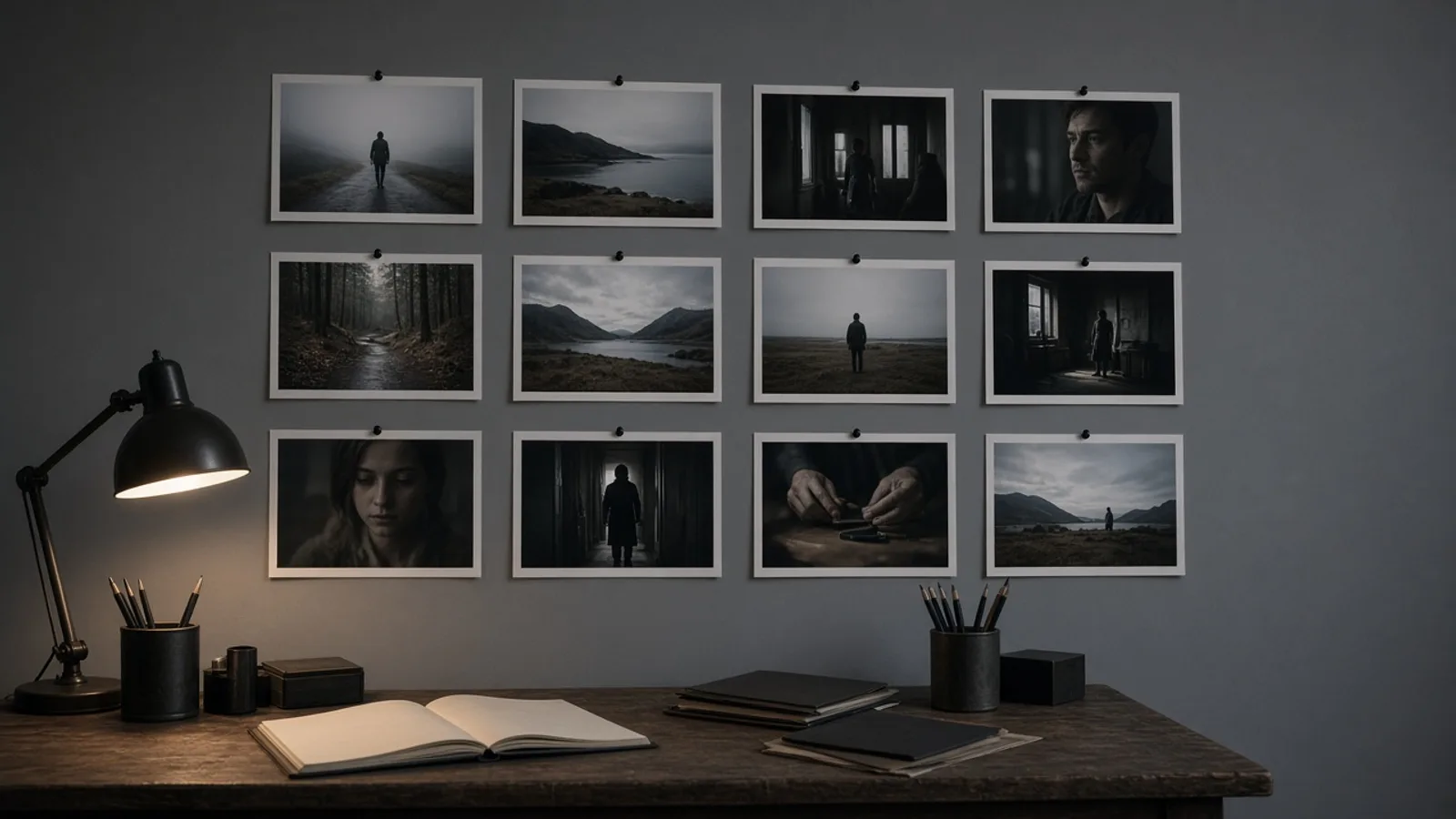
Keep the same doorway or street while you test time of day, weather, and practical lights for a look book.
Continuity frame
Reprint a marked still after a wardrobe or prop note and check that the subject still matches the approved take.
Map stills, then hand them to motion
Choose a version → Describe the still → Set the output → Review and continue
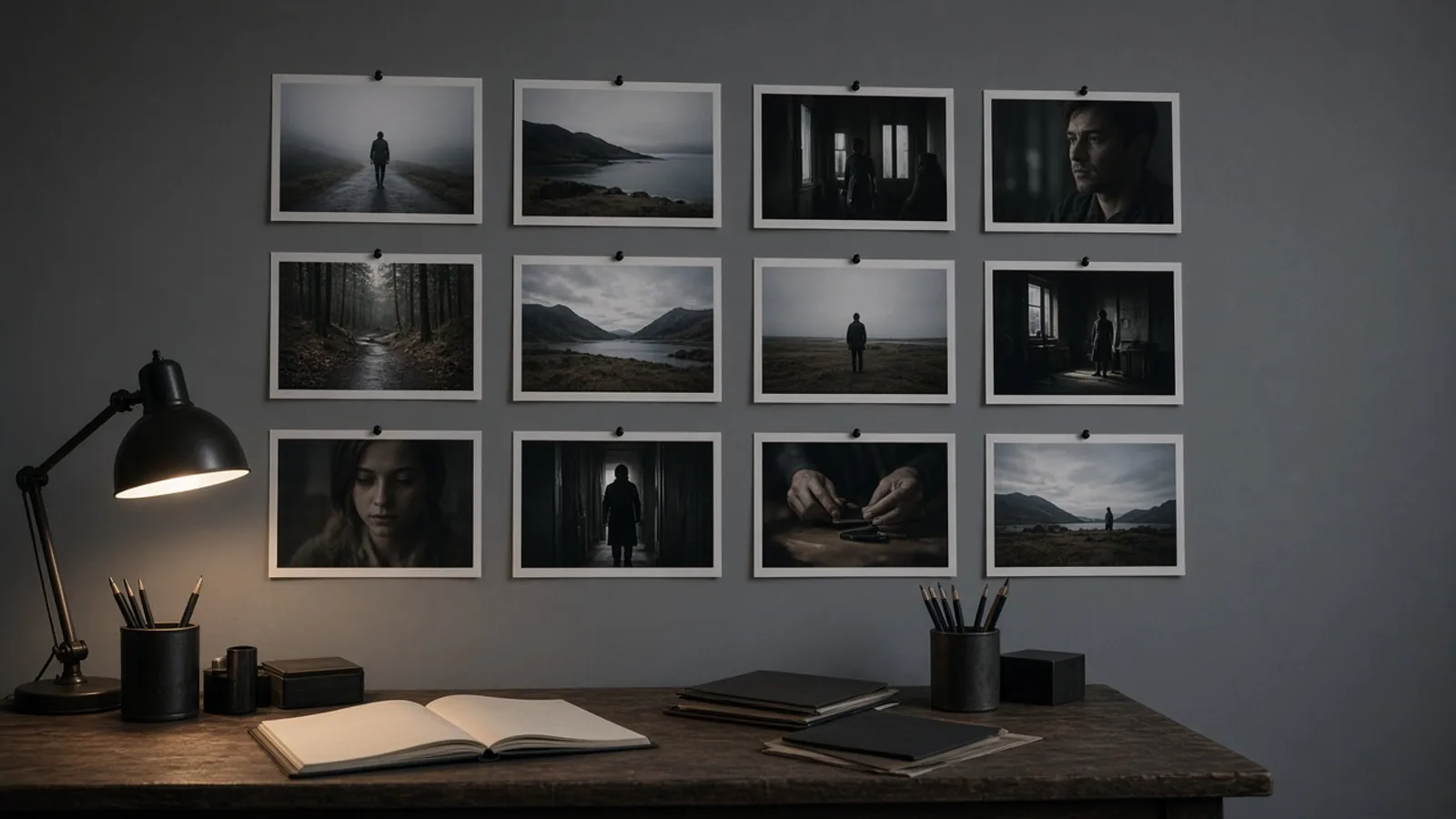
- 1
Choose a version
Select Flare or Sunburst, then choose text-to-image or image-to-image.
- 2
Describe the still
Write the subject, composition, lighting, and any text. Upload references for image-to-image.
- 3
Set the output
Choose a compatible aspect ratio, resolution, and background. Check the credit total before generating.
- 4
Review and continue
Open the result, download it, or upload it as a reference for the next edit. Each new generation is a separate task.
A stills workspace outside ChatGPT
Keep the prompt, reference stills, and selected output together when preparing the next production note. Keep the same prompt and reference images when comparing the image workflow in GPT Image 2.
Production stills questions
Which GPT Image 2.5 versions are available?
Create production stills from a prompt or reference images with GPT Image 2.5 Flare or Sunburst. Choose 1K, 2K, or 4K and automatic, opaque, or transparent backgrounds.
How many credits does an image use?
Both versions use 5 credits at 1K, 10 at 2K, or 16 at 4K per image. Repeats and batch items multiply the total.
Which reference files can I upload?
Use 1 to 16 JPG, JPEG, PNG, or WebP reference images, up to 30 MB each.
Can I create a transparent background?
Automatic / Opaque / Transparent
Which ratios are limited to 1K?
27:16, 16:27, 9:8, and 8:9 are available only at 1K. Higher resolutions show compatible ratios.
How do I continue editing a result?
Open the result, download it, or upload it as a reference for the next edit. Each new generation is a separate task.
GPT Image 2.5 Image Generator
Both versions use 5 credits at 1K, 10 at 2K, or 16 at 4K per image. Repeats and batch items multiply the total.