
1.0
Create
Established a foundation for text-to-image creation and visual style.
Plan multilingual posters, product visuals, editorial imagery, and illustrations with stronger prompt interpretation.
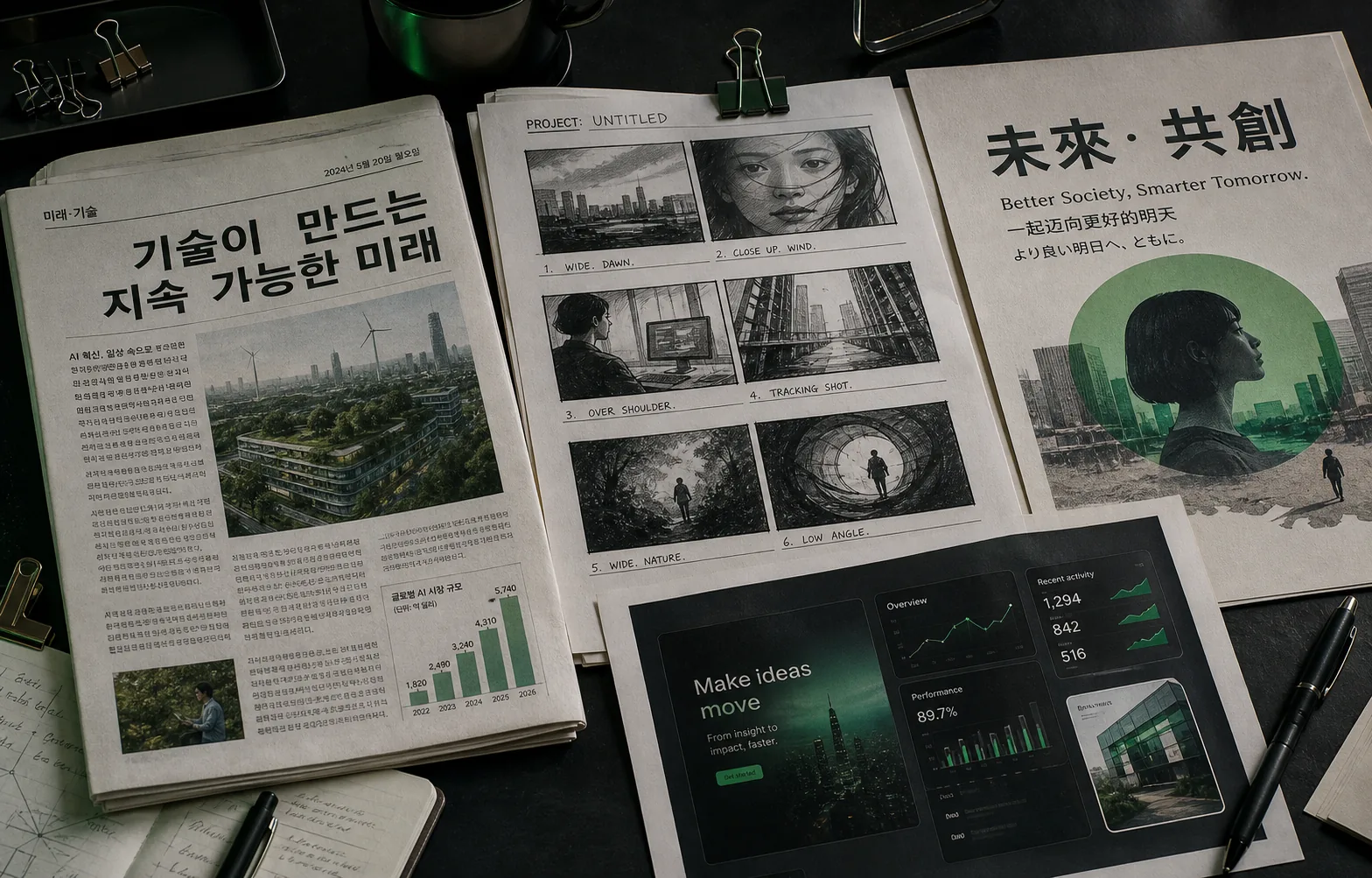
More room for layout, copy, and visual constraints
Small type stays useful in information-rich scenes
Generate localized visuals without rebuilding the layout
Describe the content, layout, language, and fine details you need. Start from text or add reference images for guided creation.
Choose Model
Workflow
0/20000 characters
Batch mode
Sign in to use batch and repeat generation.
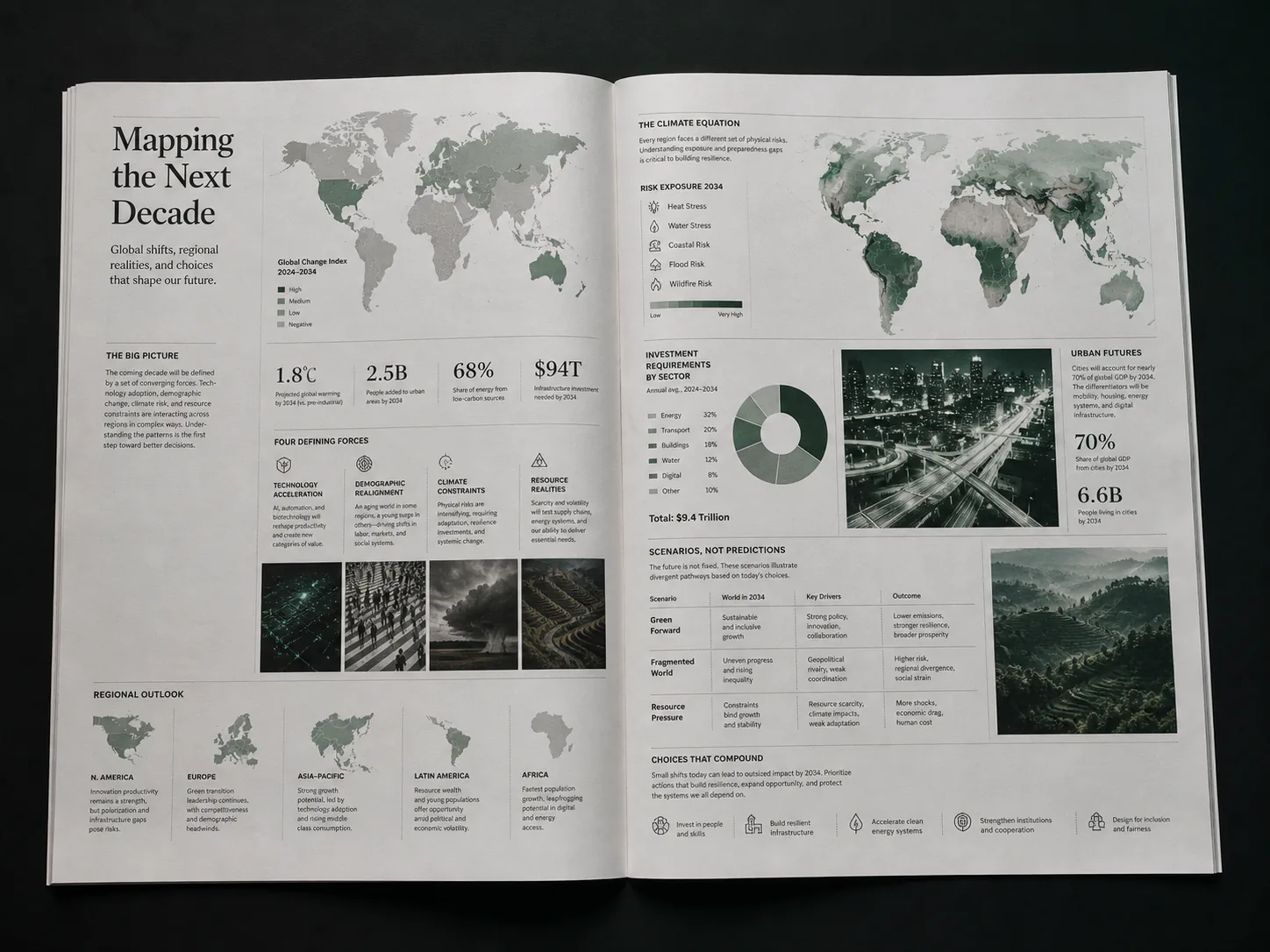
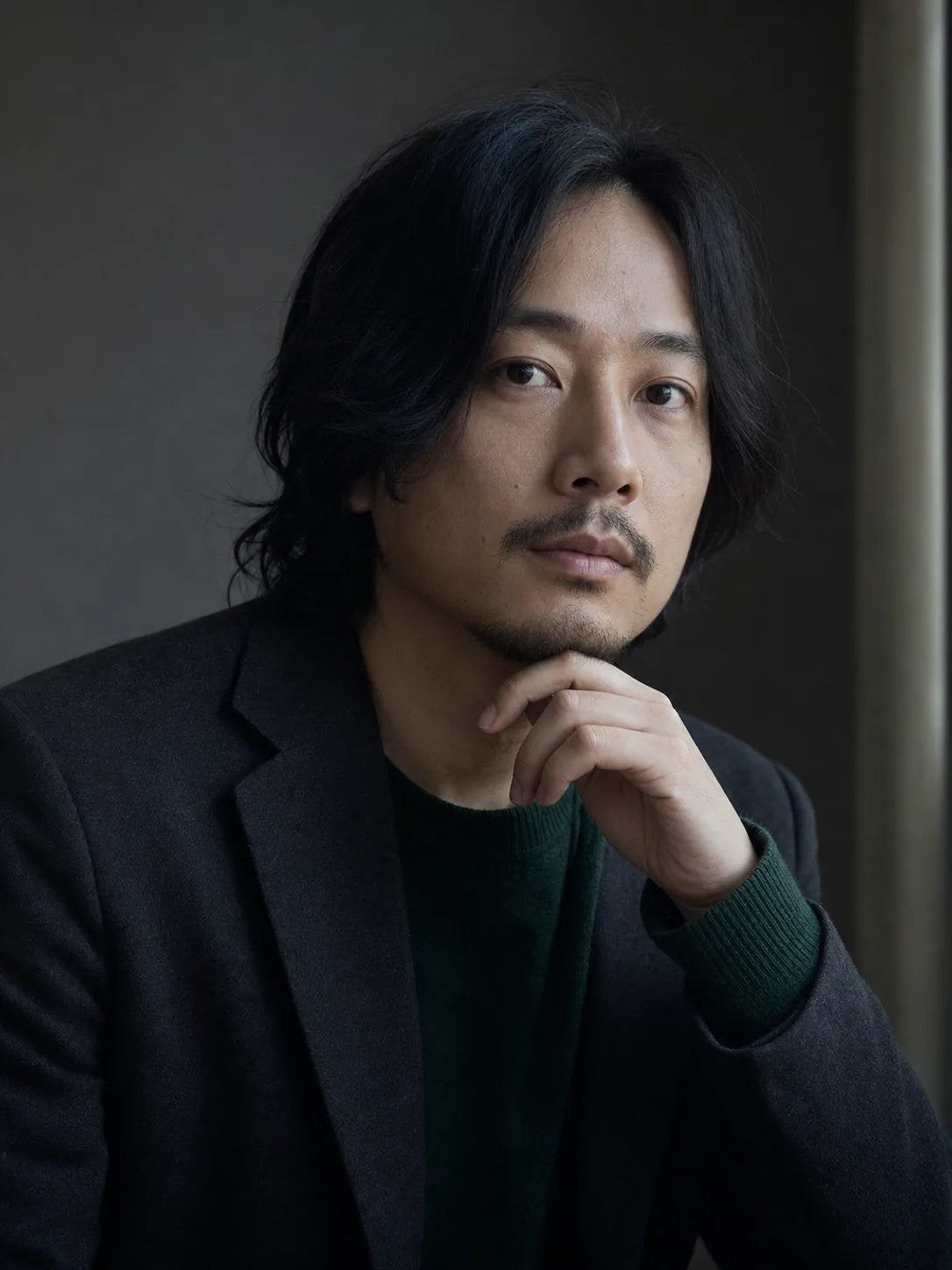
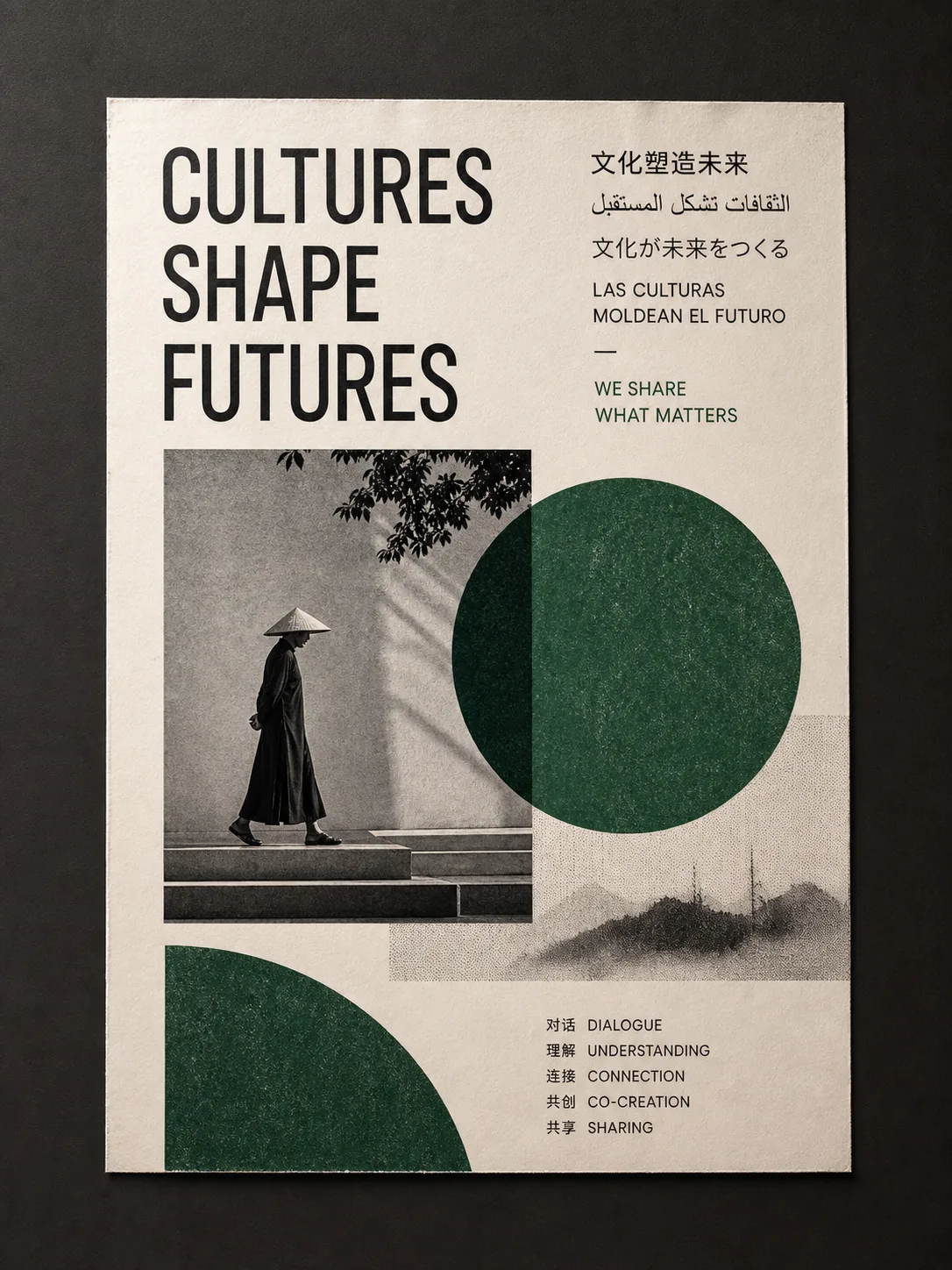
Qwen Image 3.0 is publicly available for text-to-image workflows. This page pairs the model overview with a built-in creation workspace for immediate visual exploration.
Qwen-Image-3.0 brings long instructions, small text, realistic detail, and world knowledge into one workflow for publication pages, interfaces, storyboards, posters, and product visuals.
Each generation expanded what a single prompt can organize and express.
Established a foundation for text-to-image creation and visual style.
Improved instruction following, editing, and consistent visual composition.
Adds richer content, authentic details, and deeper knowledge for information-dense images.
Qwen Image 3.0 is designed to hold complexity without losing clarity or credibility.
Compose dense editorial pages, charts, maps, captions, and interface elements from longer instructions.

Preserve material texture, natural lighting, human features, and the small cues that make an image believable.
Use broader visual and world knowledge to depict subjects, relationships, and context with stronger coherence.
Four visual briefs show how the model's documented strengths can map to common creative work.
Use the model for visual development, then apply normal brand, legal, and production review.
Plan covers, reports, explainers, and editorial spreads with nested information.
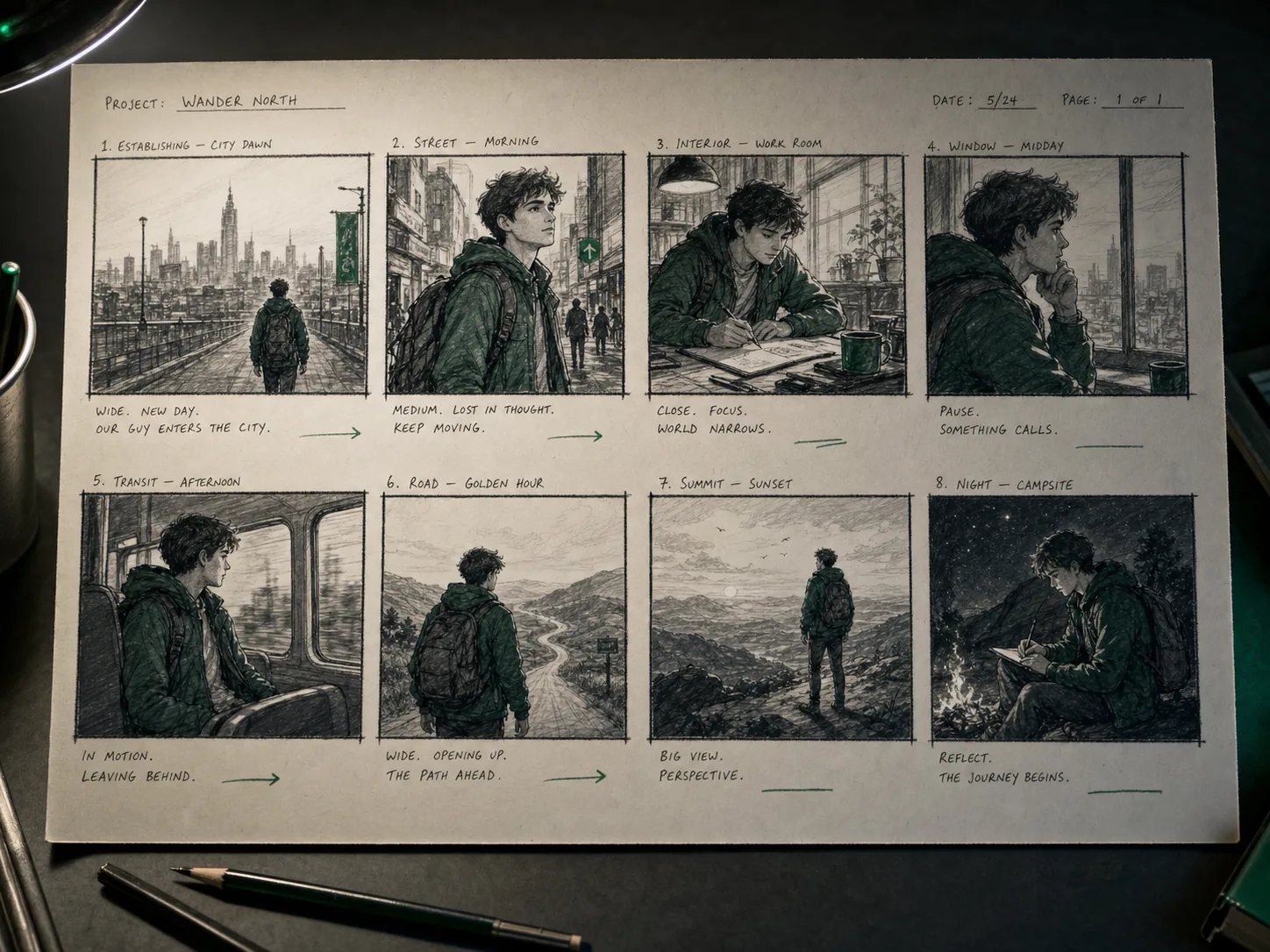
Describe scenes, camera logic, continuity, and character beats across a shot sequence. To explore motion from an approved storyboard frame, upload it as a keyframe in Wan 3.0.
Explore dashboards, mobile flows, and presentation-ready UI directions in context.
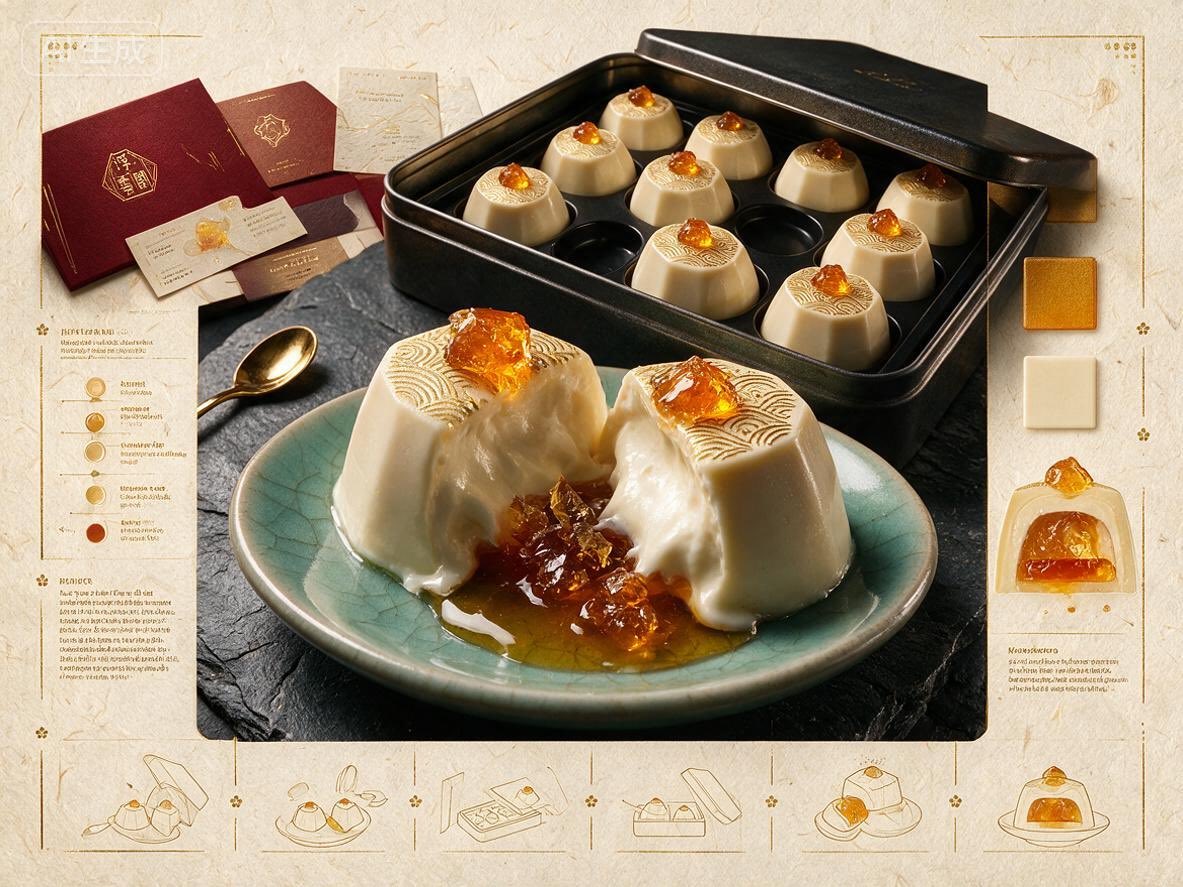
Build localized posters, campaign concepts, and social assets around one visual system.
Use the workspace above to move from a clear objective to structured composition, precise detail, and focused iteration.
Name the audience, format, and decision the image should support.
Describe hierarchy, sections, reading order, and where text or imagery belongs.
Specify language, type scale, materials, lighting, camera, and must-keep elements.
Review structure first, then adjust copy, details, and style in focused passes.
Clear answers about the model, published capabilities, and Seedream integration status.
Qwen Image 3.0, also described as Qwen-Image-3.0, is Qwen's image generation model focused on rich content, authentic details, and deep knowledge.
This page uses the Qwen release information: up to 4.5k input tokens, 10px text rendering, 12 native languages, and the three core capability areas.
No separate public API is exposed here. This page includes an embedded creation workspace, while API access and integration remain a separate service decision.
No. They are original concept visuals made for this page to demonstrate possible scenarios and are not labeled as Qwen Image 3.0 results.
Longer input can describe publication grids, interface states, storyboard continuity, multilingual copy, and detailed visual constraints in one brief.
Qwen's release states native support for 12 languages, which is useful for localized posters, editorial layouts, and campaign variants.
Use the Qwen Image 3.0 workspace on this page to shape the prompt, composition, language, and details in one focused flow.