GPT Image 2: Text-to-Image and Image-to-Image Generator
GPT Image 2 AI Image Generator
Create images from prompts or transform reference images with GPT Image 2. Choose common and cinematic aspect ratios, export up to 4K, and use a clear credit cost before every generation.
GPT Image 2 AI Image Generator
OpenAI GPT Image 2 with text-to-image and image-to-image workflows, broad aspect ratios, and 1K/2K/4K output.
0/20000 characters
Batch mode
Sign in to use batch and repeat generation.
Image Results
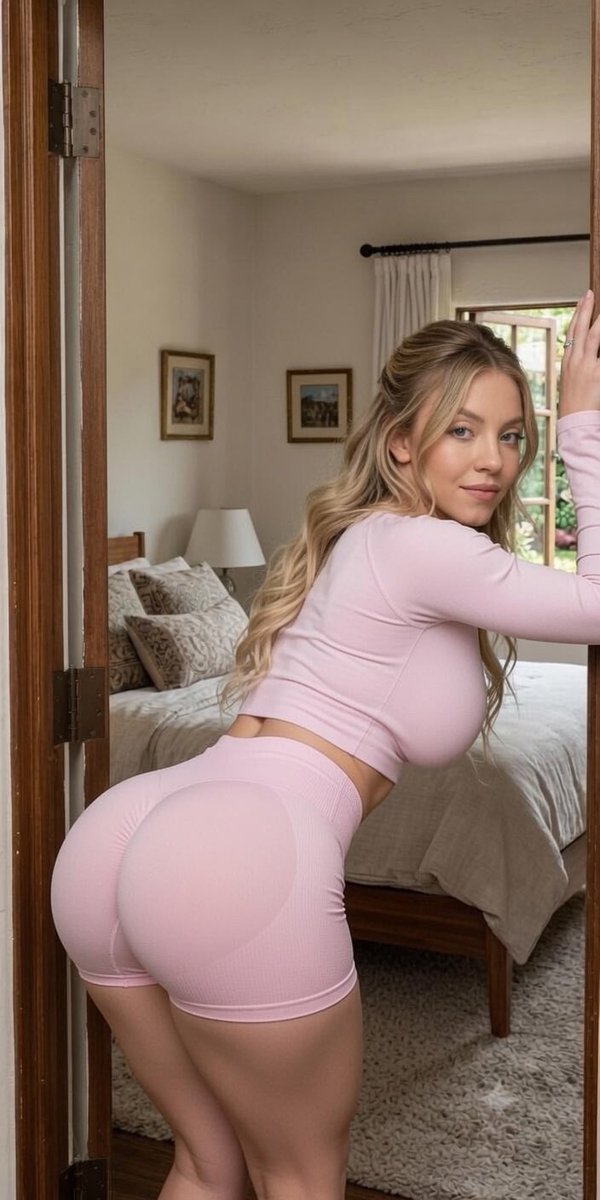
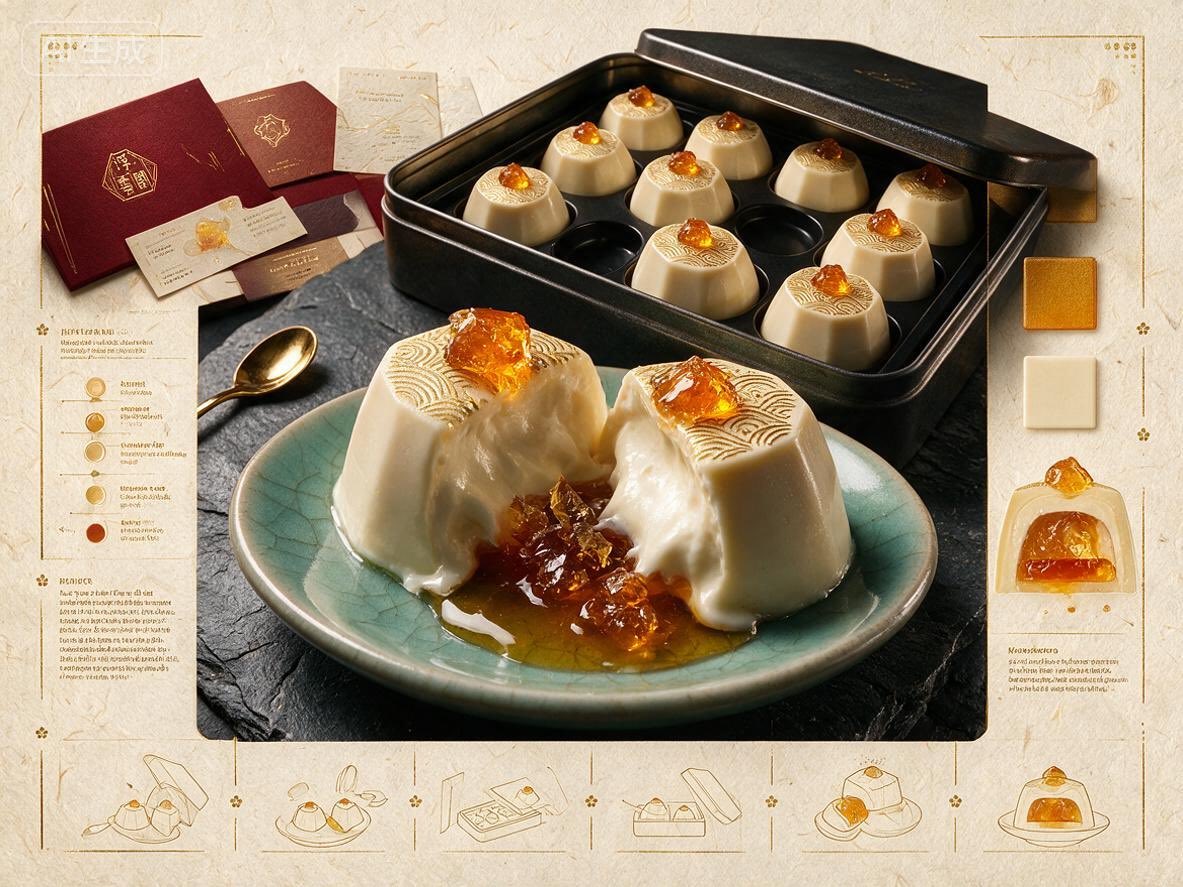
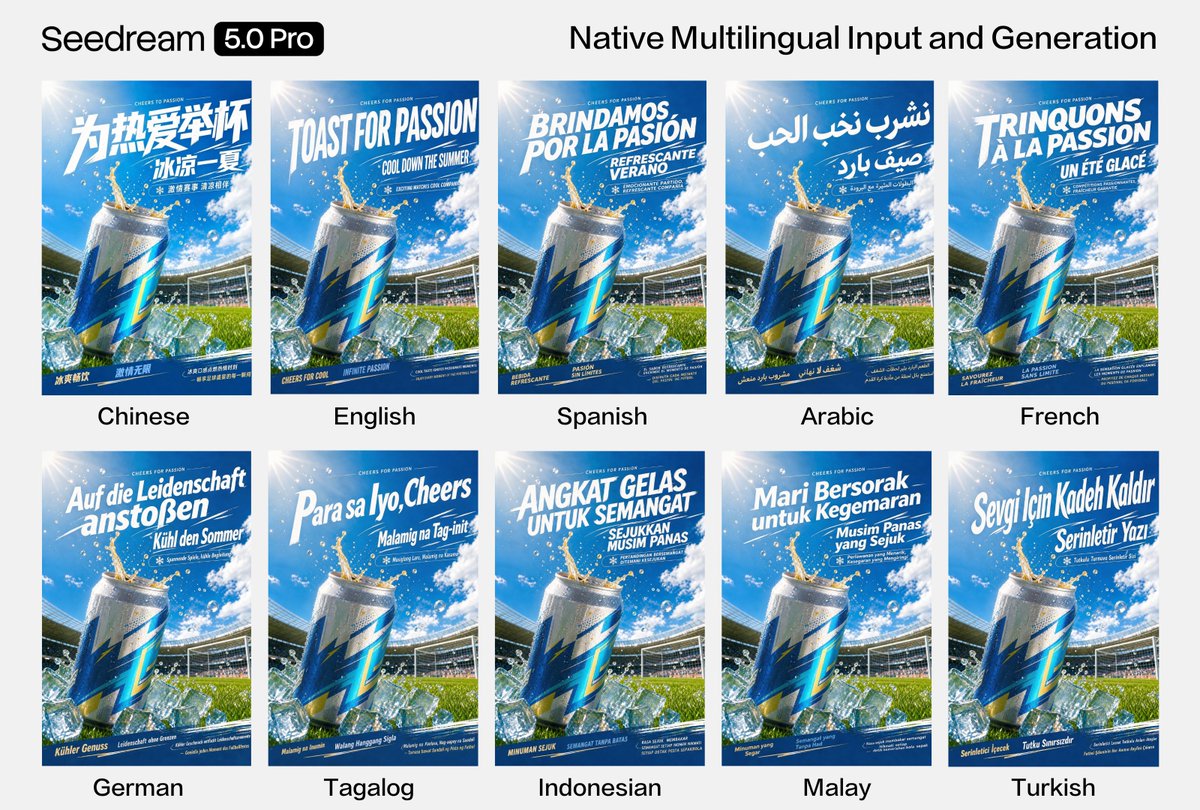
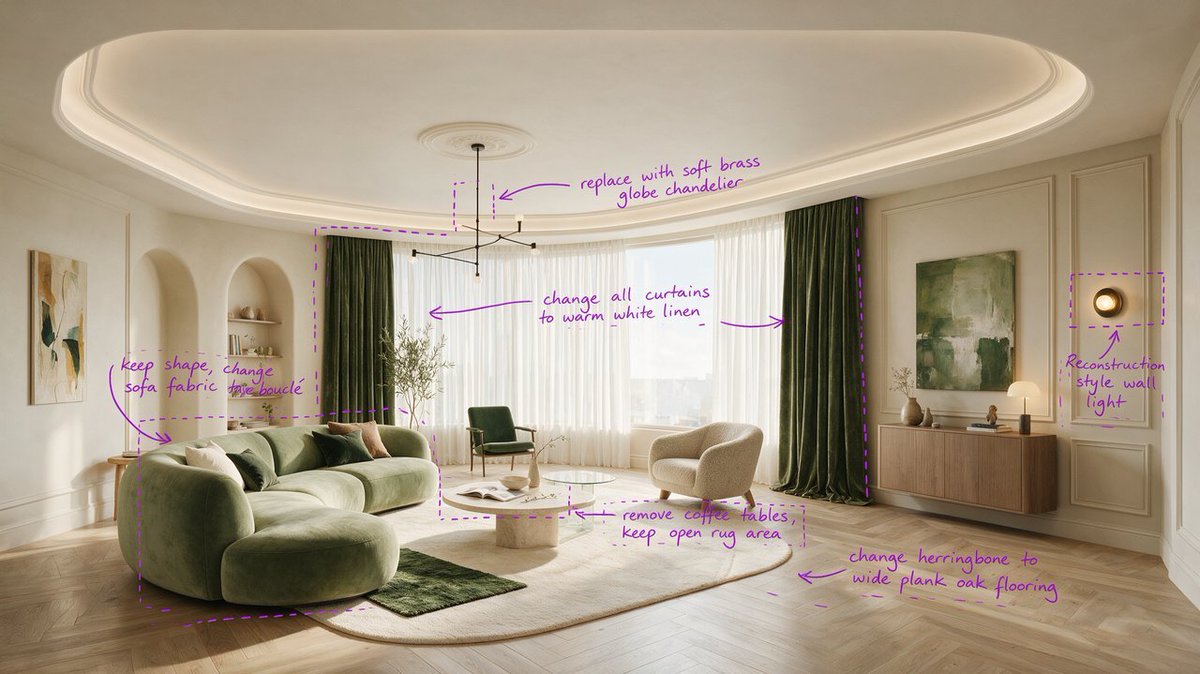
GPT Image 2 image examples
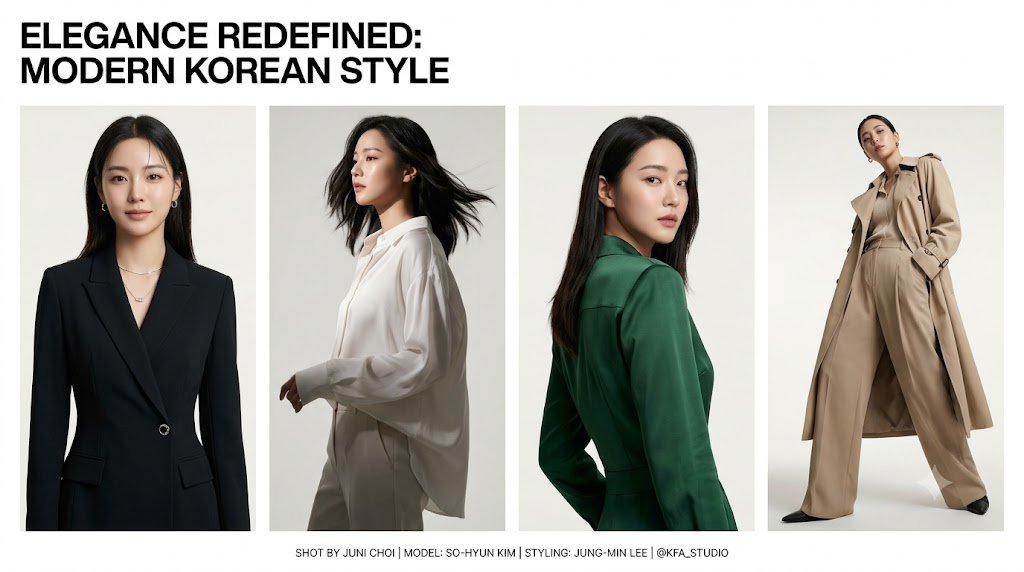
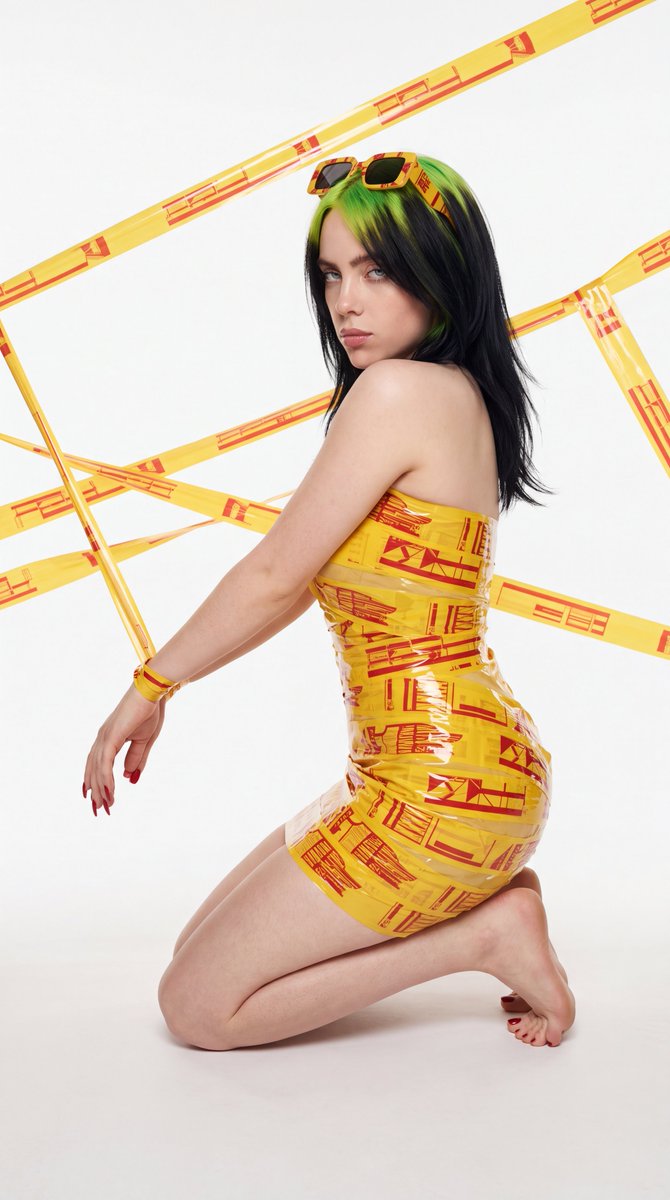
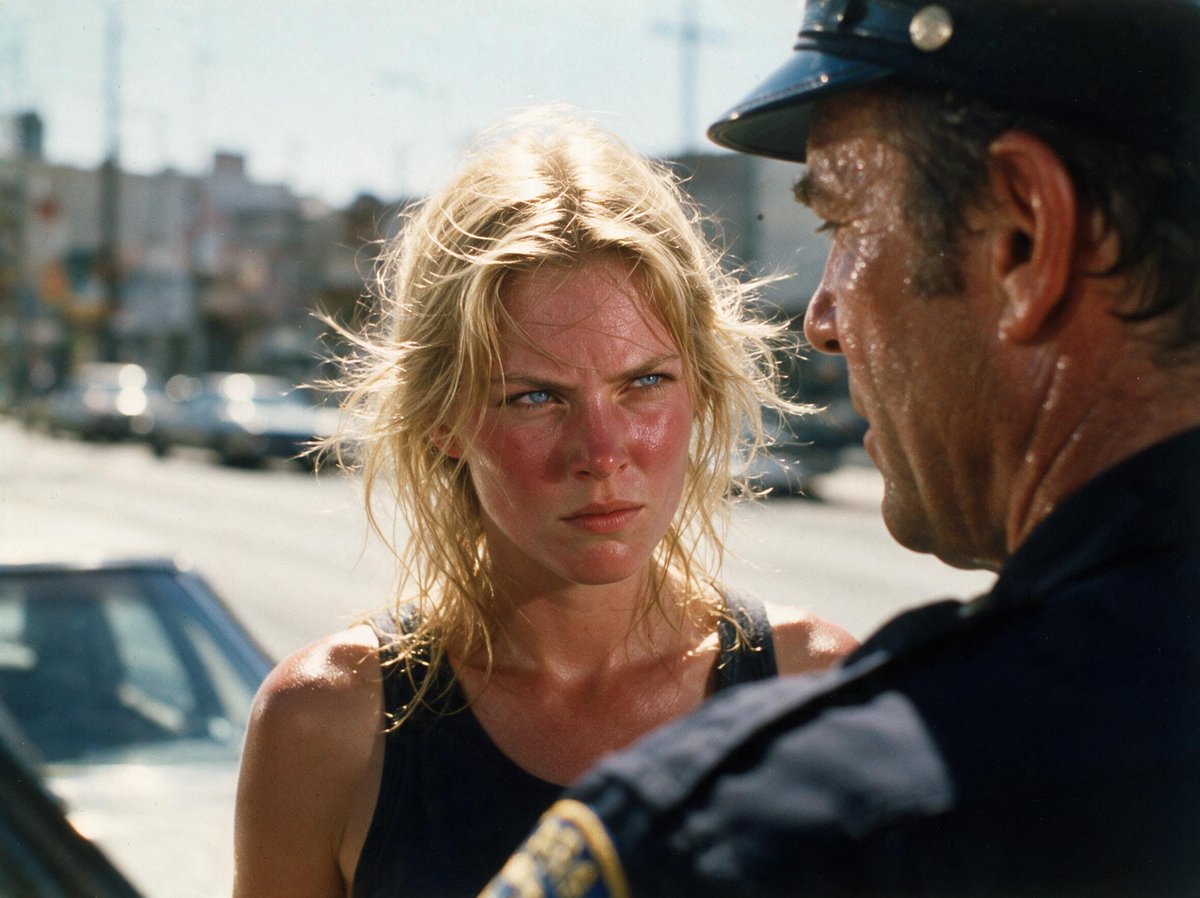
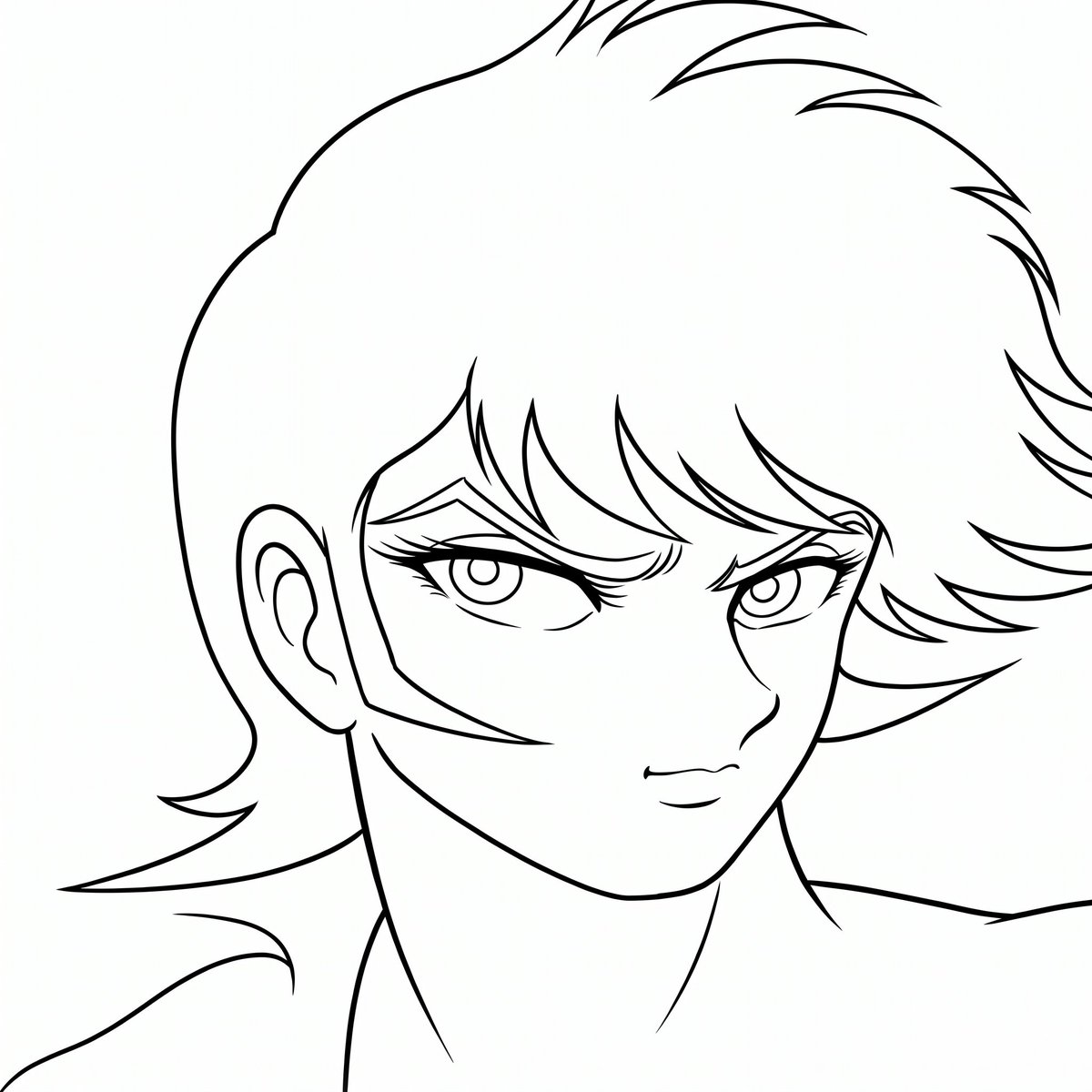
Explore curated GPT Image 2 image examples across portraits, product visuals, posters, editing workflows, and illustration styles.
What is GPT Image 2?
GPT Image 2 is an AI image generation model available in this Seedream 4.5 generator for prompt-based creation and reference-guided image editing. It supports both text-to-image and image-to-image task modes.
Use it when you need a flexible image workflow: start from a written prompt, upload visual references, select an aspect ratio, and choose 1K, 2K, or 4K output before generating.
GPT Image 2 Capabilities
A practical image workflow for creators, marketers, product teams, and designers.
Text-to-Image
Describe the image, style, scene, product, or layout you want and generate a fresh visual from a prompt.
Image-to-Image
Upload reference images to guide edits, variations, style transfer, product refreshes, or composition changes.
Flexible Aspect Ratios
Use auto, square, portrait, landscape, ultra-wide, and vertical formats including 21:9 and 9:21.
Clear Credit Cost
1K and 2K generations cost 8 credits per image. 4K generations cost 11 credits per image.
How to Use GPT Image 2
Generate a polished image in three simple steps.
Choose a workflow
Select text-to-image for a prompt-only generation, or image-to-image when you want uploaded references to guide the result.
Set ratio and quality
Pick the aspect ratio and output quality. Use 1K or 2K for quick iteration, or 4K when you need a higher-resolution result.
Generate and download
Review the credit cost, generate one image, then download or reuse the prompt for another variation.
Best GPT Image 2 Use Cases
Use GPT Image 2 for repeatable visual production, not just one-off experiments.
Ad and Campaign Visuals
Create hero images, launch graphics, social posts, and visual directions for marketing tests.
Product and E-commerce
Generate product scenes, packaging concepts, lifestyle images, and reference-guided variations.
Creator Content
Produce blog thumbnails, channel art, educational visuals, and consistent visual series.
Design Exploration
Move quickly from a text idea or reference image to several visual concepts for review.
GPT Image 2 Specs
GPT Image 2 FAQ
GPT Image 2 is used for generating images from prompts and transforming uploaded reference images. It fits marketing visuals, product concepts, social content, thumbnails, and design exploration.
Yes. The image-to-image workflow accepts reference image URLs after upload and sends them to the GPT Image 2 image-to-image model.
GPT Image 2 costs 8 credits per image for 1K and 2K output. If you select 4K, the cost is 11 credits per image.
GPT Image 2 supports auto plus square, portrait, landscape, ultra-wide, and vertical formats, including 21:9 and 9:21.
This generator currently creates one GPT Image 2 image per task, which keeps credit usage predictable and makes each result easier to review.
Ready to Generate with GPT Image 2?
Open the image generator, choose GPT Image 2, and create a 1K, 2K, or 4K image with predictable credit pricing.