
Seedream 5.5 features
Seedream 5.5 features for briefs that need a second pass
Product tiles, slide visuals, game concepts, and posters, each mapped to the decision that usually fails first and the fix that keeps everything else intact. Open Seedream 5.5 AI Image Generator when you are ready to create.

How it works
How Seedream 5.5 approaches a brief
These Seedream 5.5 features are organized around decisions, not a checklist of switches. Every generation follows the same loop: brief, set up, generate, review, refine. The sections below walk through that loop with listing tiles, slides, game concepts, and posters. For Seedream 4.5 strengths or the Seedream 5.0 workflows, use the named links near the end.
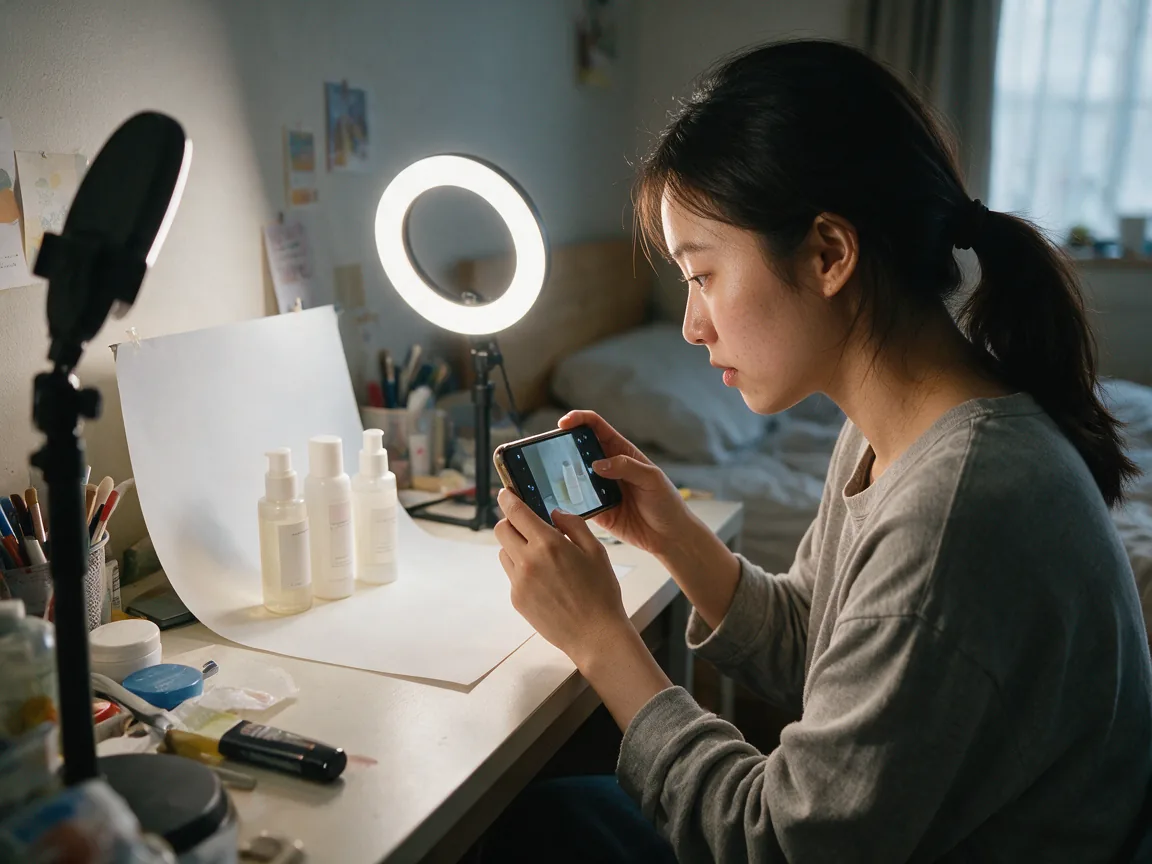
Text to image from a structured brief
Name subject, scene, composition, light, and the one detail that matters. Clear hierarchy makes review faster.
Image to image with locked references
Bring a product photo, sketch, or earlier Seedream 4.5 frame when identity must hold. State what stays and what changes.
Format set by end use
Pick the aspect ratio for a listing tile, slide, or tall poster before you invent composition.
Review against the brief
Check hierarchy, framing, light, and clutter before rewriting. One failed decision is the usual culprit.
One decision per refine pass
Keep what works. Change background, spill, silhouette, or crop. Compare side by side.
Core features
Seedream 5.5 features that carry a brief from prompt to delivery
Six working practices, each tied to a decision you make on a real project. You can try every one of them on a live brief inside the generator within a few passes.
Prompt-led composition
Direct subject hierarchy, scene, camera language, and palette in plain sentences so the viewer reads the intended focus first.
Reference-guided editing
Keep packaging, face, or palette identity while you change setting, light, or styling.
Multi-round refinement
Fix background, then light, then props. Each round changes one variable so you can step back.
Aspect ratios for placement
Generate the same concept for listing tiles, slides, banners, and covers by choosing ratio first.
Copy space and palette planning
Ask for clean negative space and a restricted palette so headlines and prices sit cleanly.
Sibling models by name
When you need Seedream 4.5 strengths or a Seedream 5.0 page workflow, open those pages by name.
Use cases
Four scenarios for teams shipping on seedream4-5.org. Each pairs audience, asks, outputs, workflow, and decision tips. Teams here already know Seedream 4.5. This guide answers a different question: how to structure a brief, where to lock references, and which single edit usually rescues a weak frame for each end use.
Product listings
- Who it is for
Marketplace sellers, brand teams, and catalog operators.
- What this team asks for
Clear subject hierarchy, believable material, and space for price or badge.
- Typical images
Square listing tiles, detail crops, lifestyle placements with locked packaging.
Workflow
- Brief the product first. Add a packaging reference if geometry must hold. Set square or near-square. Review silhouette and specular. Refine one issue, such as spill or crop.
Decision tips
Protect copy space early. Describe only the materials the product really has.
Slides and reports
- Who it is for
Analysts, consultants, and internal storytellers.
- What this team asks for
Widescreen frames with room for a title and one clear idea.
- Typical images
Isometric scenes, simple diagrams as images, section openers.
Workflow
- Brief the idea, not decoration. Choose widescreen. Leave top or left open for type. Review clutter. Refine by removing competing props.
Decision tips
One idea per frame. If the slide title fights the image, the image lost.

Game concepts
- Who it is for
Concept artists and indie teams.
- What this team asks for
Readable silhouettes, costume logic, and environment scale.
- Typical images
Character sheets moments, environment keys, prop callouts as stills.
Workflow
- Brief role and beat. Lock face or costume with references when needed. Review silhouette and eyeline. Refine one costume or prop decision.
Decision tips
Avoid recognizable third-party IP. Keep originality in the brief.
Ad posters
- Who it is for
Campaign designers and social teams.
- What this team asks for
Strong focal subject, restricted palette, and headline space.
- Typical images
Tall posters, square social frames, campaign key visuals.
Workflow
- Brief the offer without inventing claims. Set tall or square. Plan negative space. Review hierarchy. Refine light or crop only.
Decision tips
Leave space for type and add the real headline later in your layout tool.
Why this page
Why Seedream 5.5 features sit beside Seedream 4.5
Seedream 4.5 features present that model's fusion, typography, and photoreal strengths. The guide here covers brief workflow and the decisions behind each use case, and the two guides link to each other.
Decision tips that travel across use cases Before you open Seedream 5.5 AI Image Generator, write the end placement in one line: listing tile, slide opener, concept key, or poster. Placement decides ratio and copy space. Then write the primary subject in one line. Then write the single detail that decides success. Those three lines prevent most failed first passes.
Keep a version trail. Label passes by the decision you changed: spill-v2, crop-v3, palette-v4. When a later stakeholder asks why the frame works, you can show the one edit that fixed it instead of a fog of regenerations.
Describe what a camera could capture: a linen cloth, a concrete step, late sun through blinds. Those details can be checked on the frame; a mood word cannot.
Working next to Seedream 4.5 A common pattern is to build a photoreal base in Seedream 4.5, then bring it into the brief-to-frame loop as a reference to change the scene or the light. The reverse also works: settle composition here, then finish in Seedream 4.5 when its typography or photoreal strengths matter. Either way, keep the reference sentence explicit: what stays, what changes.
Bringing new teammates in New teammates do not need a library of prompt tricks. They need two habits: write a brief that can be checked, and change one thing per pass. The whole team gets a shared language too. Comments stop sounding like "something is off" and start sounding like "next pass: lower the background brightness".
Before you deliver Run one last pass over subject, framing, light, and clutter. It takes a minute, even after several passes, and it catches most slips: an extra finger, a stray line of fake text, a label that shifted. Write the final version label next to the file so the next round can start from the right frame.
Building a small brief library Save the briefs that worked, together with their final frame and the edit that fixed them. After a month you have a library of proven starting points for tiles, slides, and posters, and new projects begin from a brief that already held once.
Seasonal refreshes Retail calendars bring the same catalog back in new clothes: spring pastels, summer citrus, autumn tweed, winter frost. Keep the product reference fixed and swap only the surface and props, such as birch branches, terracotta tiles, or knitted wool. Because the bottle never moves, a shopper browsing the storefront recognizes it instantly, while the season around it feels fresh.
Packaging mockups for pitches Agencies often need a believable carton, pouch, or jar before the printer has produced anything. Brief the shape, the cap, the paper stock, and the finish, whether gloss, satin, or embossed foil. Show it on a pedestal or in a hand, then iterate one material at a time until the client nods.
Food and hospitality Cafés, bakeries, and hotel kitchens photograph dishes that wilt within minutes. A brief that fixes crockery, garnish, steam, and the angle of the plate lets you preview the menu shot before a chef plates anything, then hand the approved frame to the photographer as a target.
FAQ
Seedream 5.5 questions
Short answers that match the generator FAQ, scoped to Seedream 5.5 features.
What can I do with Seedream 5.5?
Draft listing tiles, slide visuals, game concepts, and posters with the generator, then refine one decision at a time. This features page maps those scenarios.
How is Seedream 5.5 different from Seedream 5.0 Pro?
Seedream 5.0 Pro has its own page. Seedream 5.5 features focus on brief-to-frame use cases. Open the Pro page when you need that workflow.
Should I use Seedream 5.5 or Seedream 4.5?
Use Seedream 4.5 for its own photoreal and typography strengths. Use Seedream 5.5 when you need structured passes and single-decision refine. Try both on the same brief when unsure.
Can I use a Seedream 4.5 image as a reference in Seedream 5.5?
Yes. Upload it, state what must stay, and change only the scene or light you care about.
Start your next brief with Seedream 5.5
Open Seedream 5.5 AI Image Generator, write one subject, and refine until the frame holds.